Digital Visual Hygiene Why Refreshing Your Desktop Wallpaper Helps Reset Focus
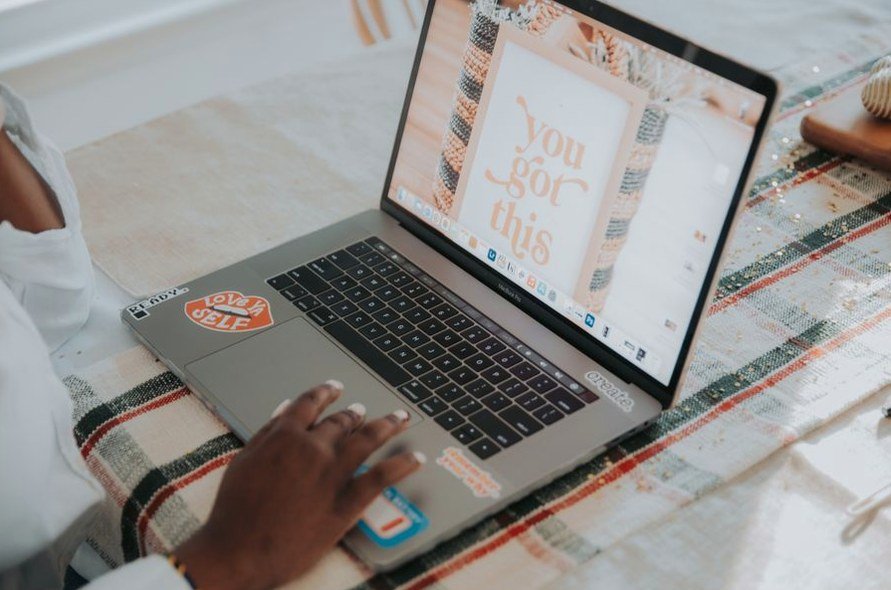
Digital Visual Hygiene: Why Refreshing Your Desktop Wallpaper Helps Reset Focus
A fresh desktop can interrupt visual autopilot
Refreshing your desktop wallpaper gives your eyes a new visual starting point. That small change can interrupt the stale pattern of opening the computer and slipping into routine. It takes minutes, costs nothing when you use a free wallpaper library, and can make the work area feel more deliberate.
Your desktop remains visible between tasks, during file searches, and whenever an application closes. After several months, an unchanged background becomes easy to overlook. Selecting a new image creates a modest environmental reset without requiring new software, a different desk, or a change to your daily schedule.
Why the background affects your working rhythm
A wallpaper does not control attention by itself. It cannot replace sleep, planning, or a focused work process. It can change the visual cue associated with starting a task, though. When the screen looks different, the first glance at the desktop feels less automatic.
The right image depends on the kind of attention you need. Minimalism, abstract art, textures, and landscapes generally provide a quieter setting for writing or analysis. Transport, space, cities, and technology may suit work that benefits from stronger visual energy. The site groups images by category, allowing you to search by mood or subject instead of scrolling through unrelated pictures.
Bright detail can add energy to a flat routine, but excessive contrast may compete with icons and open windows. Choose an image with its main subject away from the area where you store files or launch applications. That arrangement reduces visual clutter and makes the desktop easier to scan when you return between tasks.
Choosing a wallpaper that fits your screen
Resolution matters because a properly sized image stays sharper and needs less cropping. Wallpapers4screen lists images at 3840x2400, a high-resolution format that can suit compatible desktop displays. If your monitor uses a different aspect ratio, check the preview before applying the image. Faces, text, and horizon lines should remain clear rather than disappearing at the edges.
For a calm workday, try a landscape with open space or a restrained texture. During a creative session, an abstract composition or colorful artwork can mark a shift away from routine administrative work. A darker image may reduce the visual glare of a busy desktop, while a lighter one can make a dim workspace feel more open.
Begin with a category that matches the result you want, then review several images at full size. The library includes abstract, cities, computers, nature, minimalism, space, and transport. Its search and category structure shortens the path from intention to selection, so refreshing the desktop does not become another distracting browsing session.
How to use a wallpaper refresh as a focus ritual
Choose the image before starting a defined work block. Close unnecessary windows, clear obsolete shortcuts, set the new background, and write down the single task you will begin next. This sequence connects the visual change with an immediate action instead of treating the wallpaper as decoration alone.
- Select one image that matches the attention level your next task requires.
- Check its resolution and composition on your desktop before keeping it.
- Remove shortcuts that no longer support your current work.
- Begin one specific task while the new background is still noticeable.
A weekly or monthly refresh is enough for many people. Changing the image several times a day can turn the process into another form of avoidance. Keep the ritual brief and connect it to a real transition, such as the start of a new project or the first work session after a break.
Where to find a practical starting point
Digital Visual Hygiene: Why Refreshing Your Desktop Wallpaper Helps Reset Focus offers a free image from a categorized desktop wallpaper collection. The site has simple navigation, multiple subject areas, and pages of high-quality pictures. You can compare visual styles without installing a separate desktop tool.
Page 1 of the collection is part of a much larger catalog, with navigation continuing across thousands of pages. That scale helps when the first choice feels too busy, too dark, or too familiar. Search another category rather than settling for an image that works against the task ahead.
Refresh the background today with one high-resolution image, remove the visual clutter around it, and consider which picture would make your next focused work session feel clearly different.
- Reference: https://wallpapers4screen.com/
Write a comment