StartOS v0.4 Upgrade on Proxmox
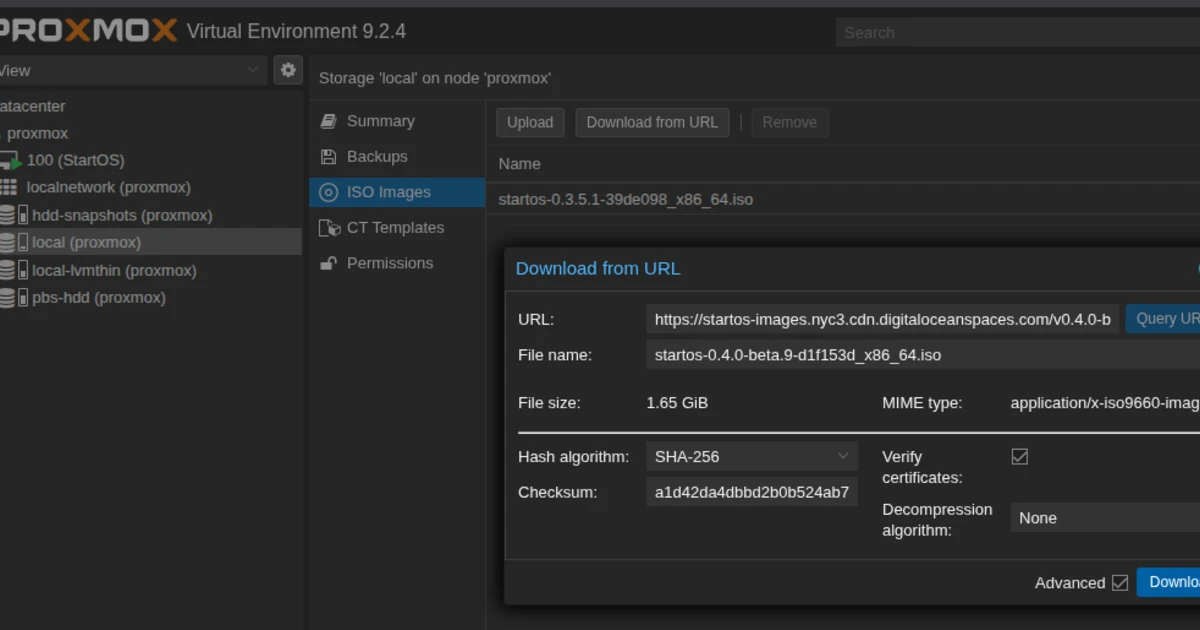
Some additional hints to the official StartOS v0.4 upgrade guide for those running Proxmox: Before you start, make a backup in StartOS, then shut down the VM and make a snapshot of the VM in Proxmox just case something goes wrong.
Copy the latest v0.4 ISO URL from the StartOS releases page on GitHub and insert it at Datacenter > Proxmox > Local Storage > ISO Images > Download from URL. Make sure to also copy the according checksum from the release page and insert it as well to automatically verify the ISO after download.
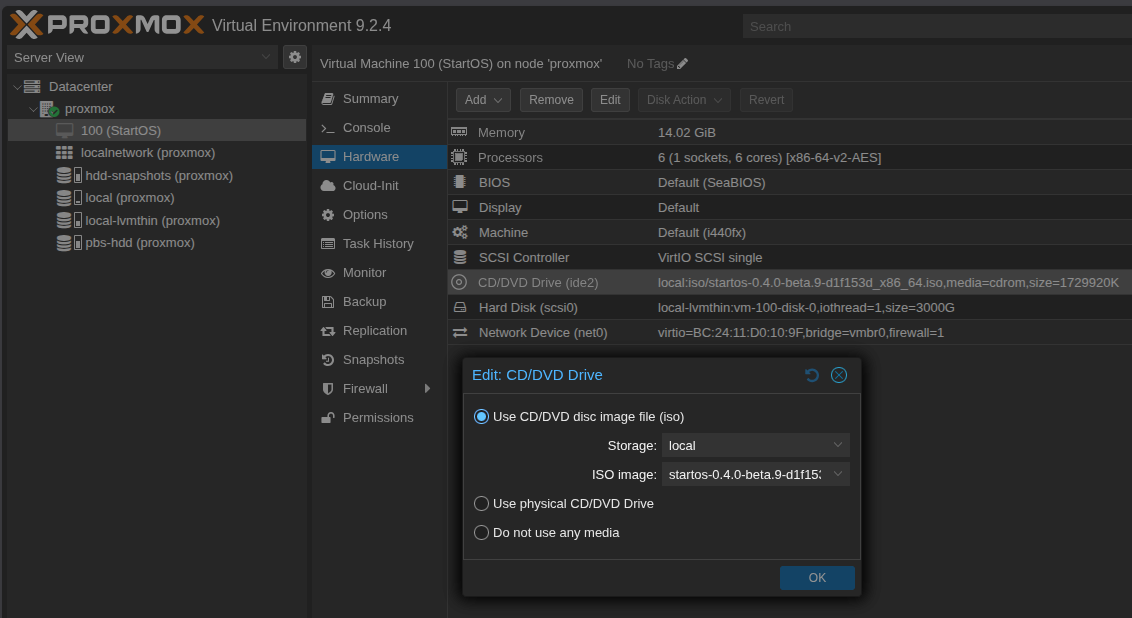
Once the download finished, go to your existing StartOS VM > Hardware > CD/DVD Drive > Edit and select the ISO.
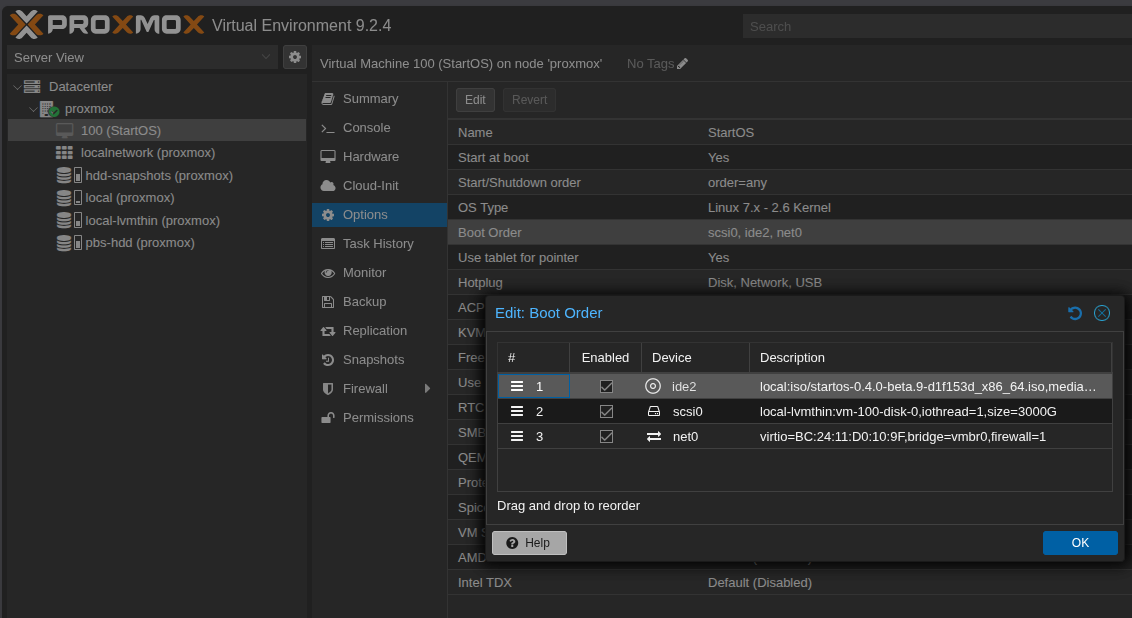
Last step is ensuring the correct boot order, so that it reboots using the new ISO: StartOS VM > Options > Boot Order > Move CD/DVD to the top.
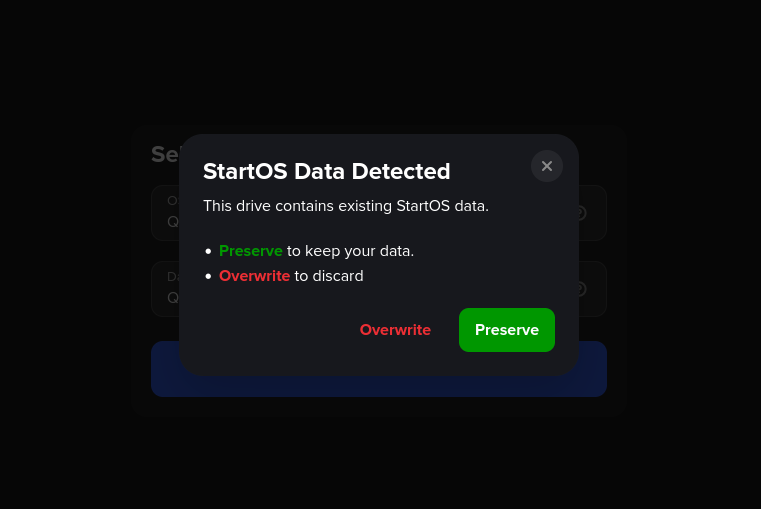
Now you are good to reboot: Once the VM booted, you can connect via StartOS VM > Console and continue with the porocess as described in the official upgrade docs. Be sure to select the Preserve option and then get yourself a coffe, the upgrade takes a while. All the best and enjoy StartOS v0.4 🚀
Write a comment