Introducing Longform._
This post aims to get you acquainted with this awesome client — its features and roadmap.

Longform content is such a staple in communication, one could even say it’s an art form. I’ve used a number of longform clients, but none of them made me happy so I set out to create the one I’d like to see in the world.
Enter Longform._ – a clean, minimal client focused on everything longform.
Features
- Create, edit, and delete drafts
- Edit existing longform posts

- Add images (shoutout @nxy4…avr7)
- Mark posts in Reader as read/unread
- Filter posts in Reader as all/read/unread
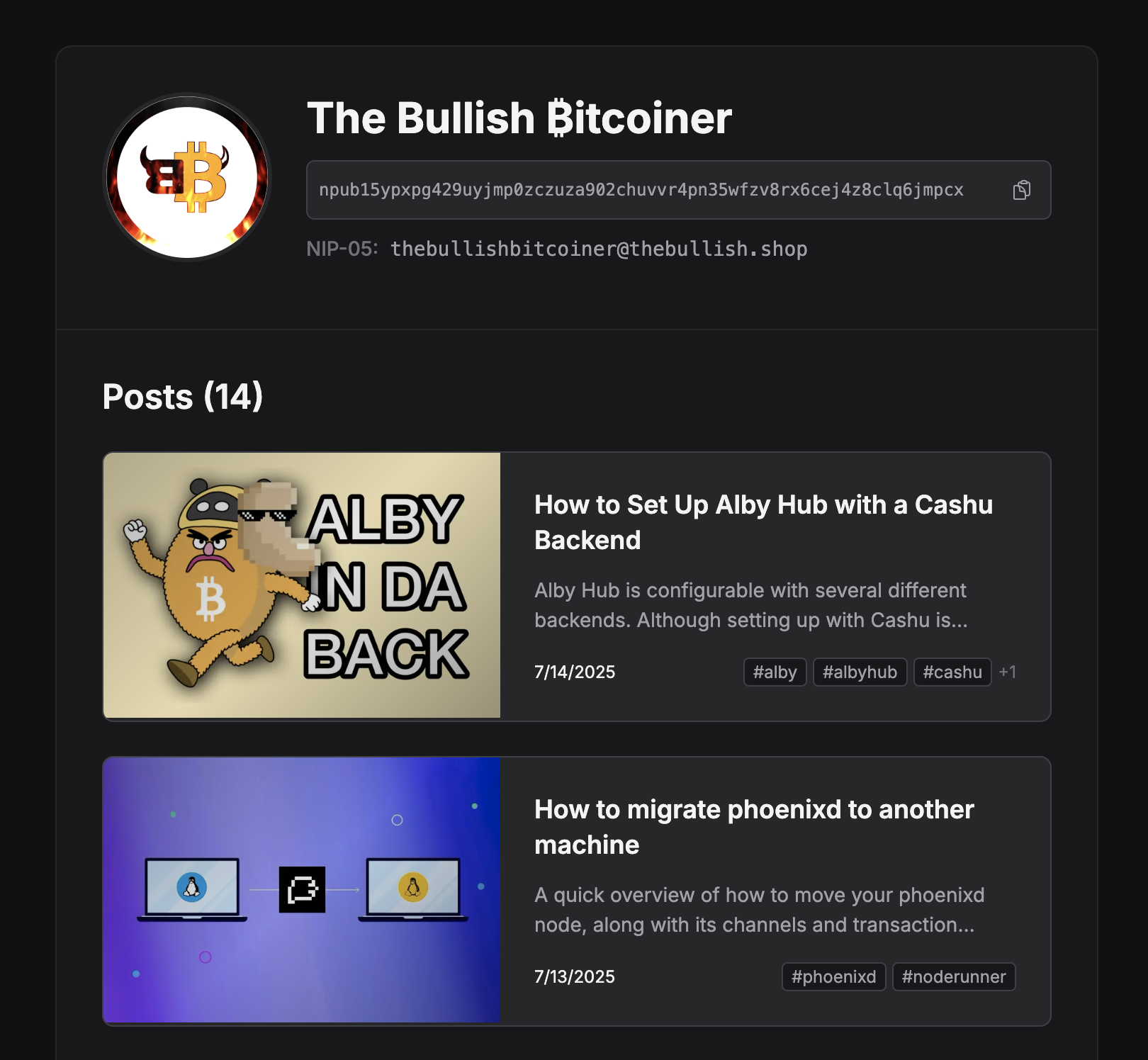
- Profile page that shows posts and highlights

PRO Features
Profile
- There will be a subscribe button on your profile page where npubs can request to be aded to your NIP-51 list of subscribers
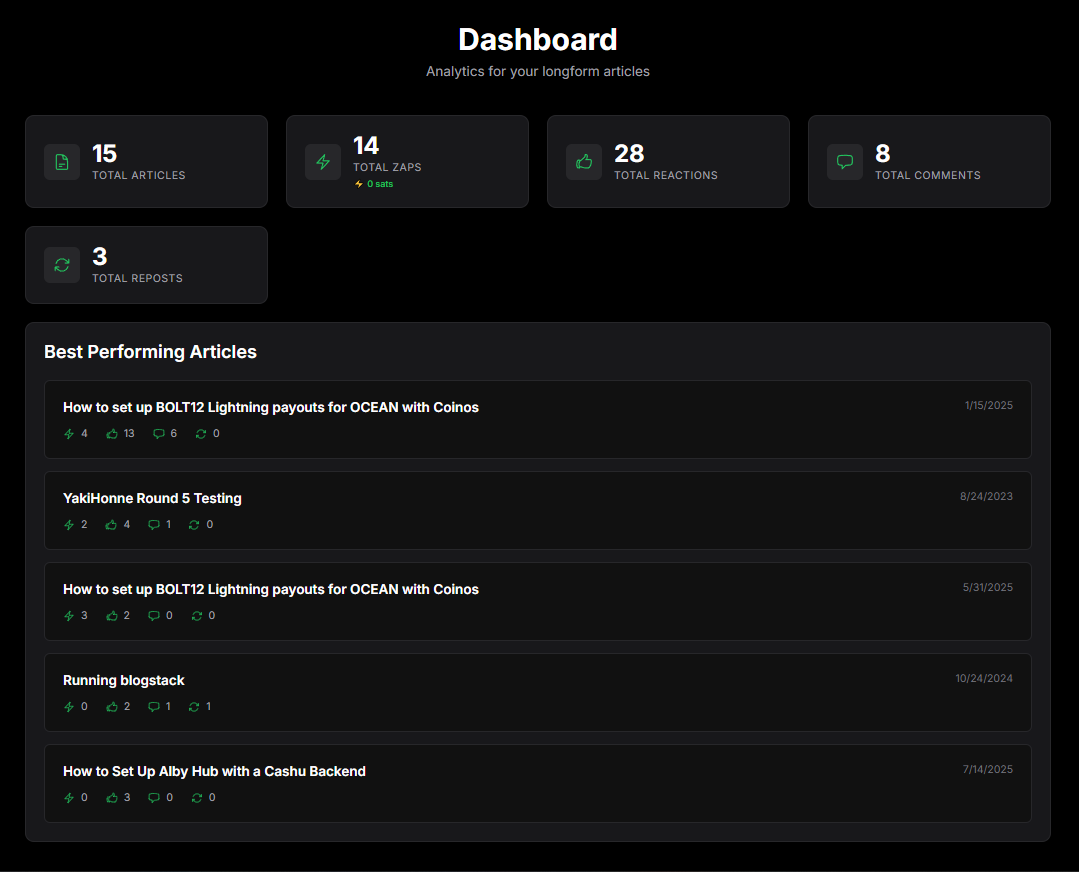
Dashboard
- Get a quick overview of the cumulative stats for all your articles.
- View the list of your best performing articles
- See your most used hashtags along with their respective post counts

Custom Emojis
Configure them in settings and use them aa reactions to articles

Roadmap
- [x] View longform notes from follows
- [x] Backup latest unsaved draft to local storage
- [ ] Display and perform likes, comments, and zaps
- [ ] Make highlights
- [ ] Inbox/outbox support
- [ ] Save drafts to preferred relays (NIP-37)
- [ ] PRO feature: send post to list(s) when publishing or via the action menu
I plan on updating this post as issues are fixed and new features are introduced. And I will be doing so with the app of course!
Write a comment