Turn Off These Three Options Immediately: Your Phone Battery Will Last Twice as Long
Most smartphone users make the same mistake and unknowingly allow apps to drain the battery before dinner. The solution lies not in buying a new device but in turning off three hidden features that run in the background. These processes constantly search for a signal and refresh data even when your phone screen is completely off.
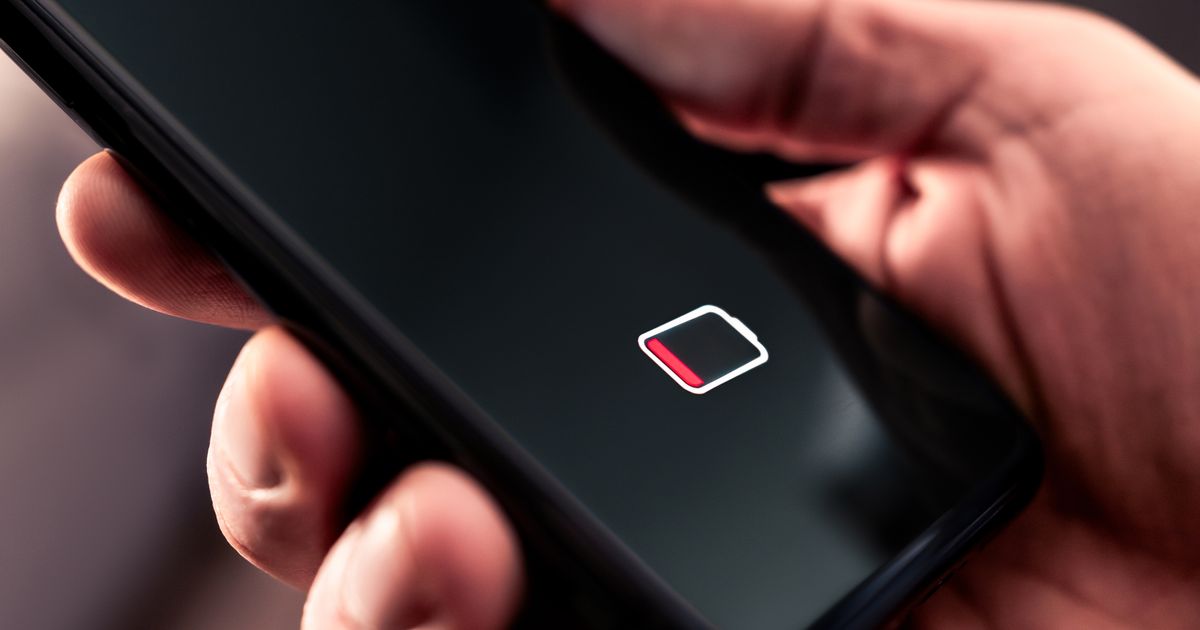
Turn Off These Three Options Immediately: Your Phone Battery Will Last Twice as Long Most smartphone users unknowingly allow apps to drain their battery by letting hidden functions run in the background, constantly searching for signals and refreshing data. To combat this, users should disable ‘Background App Refresh’ to reduce processor load and extend battery life. Additionally, switching to ‘Dark Mode’ on OLED screens can save up to thirty percent of energy, as dark pixels are turned off and consume no power.
- Many apps drain battery by constantly seeking GPS signals and refreshing data in the background, even when the screen is off.
- Disabling ‘Background App Refresh’ significantly reduces processor load and prolongs battery life.
- Using ‘Dark Mode’ on OLED screens can save up to 30% of energy because dark pixels do not consume power.
- Manually adjusting screen brightness instead of using automatic lighting can also help save energy.
Write a comment