Top Desktop Backgrounds in Space Distant Spiral Galaxies and Glowing Deep Space Nebulae in Ultra HD
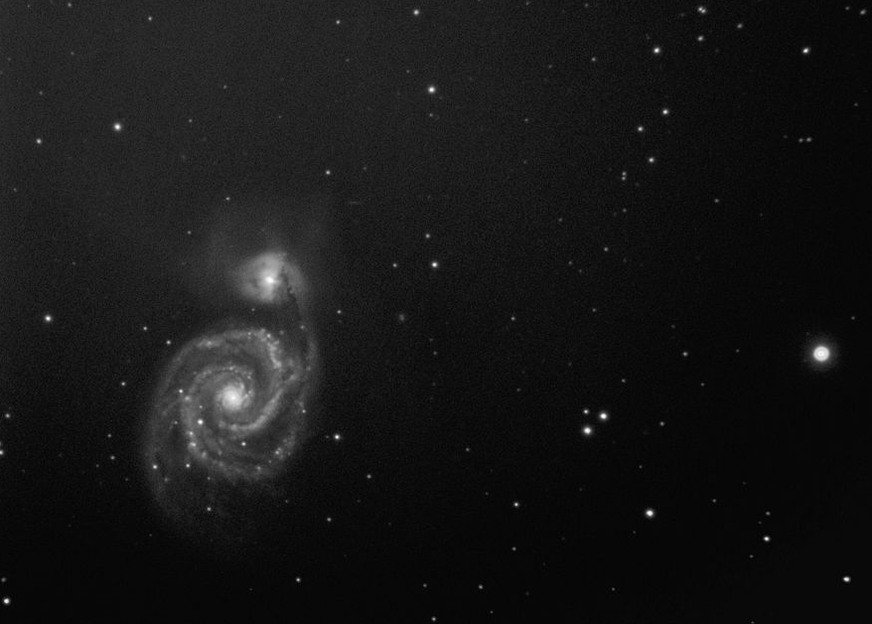
Top Desktop Backgrounds in Space: Distant Spiral Galaxies and Glowing Deep-Space Nebulae in Ultra HD
For a large desktop, choose space backgrounds at 3840×2400 so planets, stars, galaxy arms, and nebula colors remain sharp across a wide workspace. Wallpapers4screen offers free space downloads, with the first page listing high-quality astronomy, universe, galaxy, and abstract-art images for desktop use.
The practical choice depends on your screen setup and download batch. One image suits a single monitor, while two or three coordinated backgrounds work better for a multi-display desk. The catalog does not publish file sizes or download-time estimates, so your connection and the selected file determine how long transfer takes.
Which space backgrounds fit a desktop best
Deep-space scenes work best when the brightest detail sits away from desktop icons. A distant spiral galaxy with open dark space near one side keeps folders readable, while a glowing nebula with concentrated color near the center creates a stronger visual focus.
Look for images tagged with «galaxy», «universe», «astronomy», «cosmos», or «abstract art». These terms narrow the catalog toward backgrounds with stars, orbital graphics, cosmic color fields, and deep-space compositions instead of unrelated sports or logo artwork.
The page also includes 3840×2400 solar-system designs with planets, orbital lines, and labeled celestial bodies. They suit users who prefer structured astronomy graphics, but a galaxy or nebula-style composition usually creates a quieter background behind open windows.
You can browse the dedicated Top Desktop Backgrounds in Space: Distant Spiral Galaxies and Glowing Deep-Space Nebulae in Ultra HD category before choosing a download. The catalog identifies the material as free, so there is no listed purchase price to compare between individual backgrounds.
Download options for different batch sizes
For one monitor, download one 3840×2400 image and check how its bright areas interact with icons, taskbars, and application windows. This route limits storage use and avoids collecting several files that may never reach the desktop.
A two-monitor setup calls for two images with similar color balance. Pair a blue-toned galaxy with a darker star field, or use related nebula compositions so the displays look connected without repeating the same scene.
For three or more screens, review the images as a group before downloading. The first catalog page is marked as page 1 of 35, so browsing a larger batch takes longer than selecting a single background, even though the downloads themselves are free.
There is no stated delivery service, shipping charge, or guaranteed transfer window because these are digital wallpaper downloads. The sensible comparison is between downloading one selected file and collecting a batch for several screens. The second option requires more browsing and local storage, while the first reduces setup time.
A realistic resolution calculation
One 3840×2400 wallpaper contains 9,216,000 pixels. A three-screen batch at the same resolution represents 27,648,000 displayed pixels, calculated as 9,216,000 multiplied by three.
That figure describes image detail, not file size. The source material does not state whether each download uses JPEG, PNG, or another format, so storage requirements cannot be calculated honestly from the listed resolution alone. Check the file size shown by your browser before downloading a large batch.
Suppose you need backgrounds for three monitors and select three matching galaxy or nebula images. You would review three previews, download three 3840×2400 files, assign one file to each screen, and keep the remaining catalog pages available for later replacement. If the monitors use different aspect ratios, inspect the crop before setting each image so bright stars or galaxy cores do not disappear near the edges.
What to check before setting a background
- Confirm the listed resolution is 3840×2400 when a large desktop needs detailed imagery.
- Choose darker areas behind icons, menus, and open application panels.
- Match neighboring screens by color temperature rather than downloading three unrelated scenes.
- Use galaxy, universe, astronomy, or abstract-art tags to reduce browsing through unrelated designs.
- Review the crop on the actual monitor because the source describes resolution, not every screen’s display ratio.
Start with one free download from the space category and test it on your main display. If the composition stays readable at working distance, select a coordinated two- or three-image batch for the rest of the desktop.
- Reference: https://wallpapers4screen.com/
Write a comment