Iconic Shooter and RPG Backgrounds Built for Esports Fans
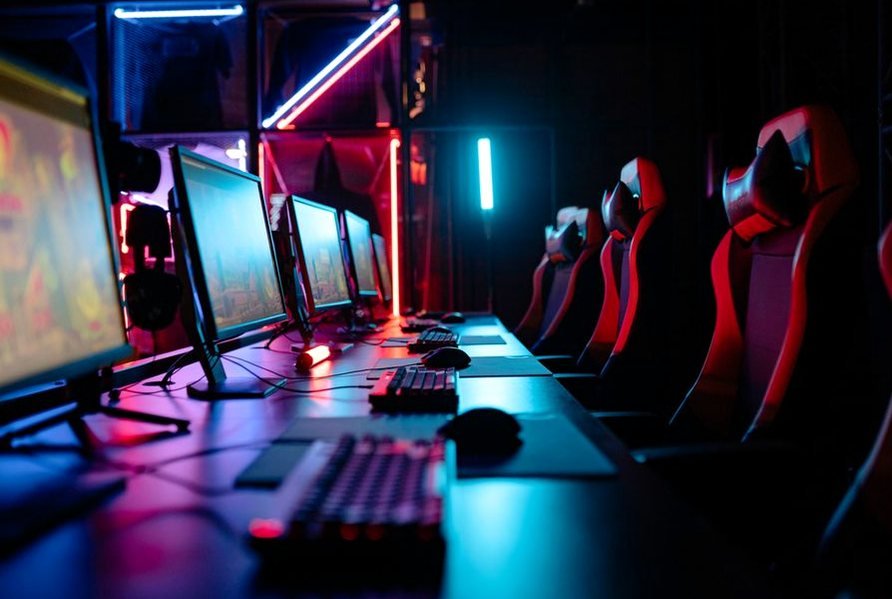
Iconic Shooter and RPG Backgrounds Built for Esports Fans
Esports fans need desktop backgrounds that look sharp behind game launchers, streams, team chats, and tournament schedules. Wallpapers4screen.com offers free game wallpapers in high-resolution formats, including 3840x2400 images labeled as 4K. The practical choice depends on image size, visual clarity, subject, and the usage terms attached to the download.
The games category includes fan art inspired by Fortnite characters and skins such as Frozen Raven, Shade, Sanctum, Tailor, Nara, Polarity, Shiver, Marshmello, Dusk, Dominion, and Spider Knight. Each design uses a distinct color direction, so the right background can match a dark gaming setup, a bright RGB desk, or a team-themed workstation.
What buyers should check before downloading
Start with the display resolution. A 3840x2400 file has enough pixel density for large desktop screens, but the unusual aspect ratio may require cropping on a 16:9 monitor. Check how the image frames after fitting it to the screen, especially when a character sits near the edge.
- Blue and turquoise artwork can suit lighter desktop themes, while black, violet, and gray designs create a darker gaming look.
- Red and yellow backgrounds attract attention, but they may make desktop icons harder to read.
- Character-centered images work well for personal setups, while abstract 3D backgrounds leave more empty space for shortcuts and widgets.
- Fan-art designs are a better fit for personal screens than for official team branding or paid promotional campaigns.
Preview the composition before setting the wallpaper permanently. A detailed Fortnite character may look excellent in the full file but lose part of the face or costume when the operating system crops the image.
Free download or paid product?
The listed wallpapers are described as free desktop downloads, so a normal user should not need to pay for access to the files presented in this category. That changes the buying decision: the main concern is whether the image fits the screen and whether the intended use complies with the page’s current terms.
If a page, pop-up, or third-party seller requests payment, review the offer separately. Confirm the exact file being sold, the final price, refund conditions, delivery method, and rights for commercial use. A free wallpaper listing should not be treated as proof that a paid license, editable source file, or exclusive ownership comes with the image.
For a personal esports setup, the category page is the sensible starting point: Iconic Shooter and RPG Backgrounds Built for Esports Fans. Select the image, inspect its dimensions, and download it only through the stated page controls.
Contract clauses to check before payment
There may be no purchase contract for a free download, but payment deserves extra scrutiny if someone offers a commercial package, custom artwork, or a paid redistribution license. Ask for written terms before sending money.
- Identify the exact asset by name, resolution, and file format. A reference to “game wallpaper” is too vague for a paid order.
- Confirm whether the permission covers personal use, streaming overlays, social media, advertising, merchandise, or client work.
- Check who owns the underlying character and game-related elements. Fan art may involve rights that the seller cannot transfer.
- Require the final price, currency, payment date, revision terms, and refund conditions in writing.
- Clarify whether the file is exclusive. A seller offering the same background to many buyers should not describe it as exclusive.
- Ask how the file will be delivered and what happens if the download link fails or the file differs from the preview.
These clauses protect the budget because they define what the payment buys. They also reduce the risk of using a background in a sponsored stream or team campaign without the permissions required for that activity.
Scenario breakdown for an esports setup
Imagine a player using a 16:9 desktop monitor with a dark desk, white peripherals, and several folders placed along the left side. A violet Sanctum or gray Marshmello design may provide enough contrast without competing with the icons. Before downloading, the player should check whether the character remains visible after cropping and whether the background makes text readable.
A second scenario involves a team manager preparing screens for a local training room. The 3840x2400 resolution offers detailed source material, but each monitor may scale it differently. The manager should test one file on every display size before assigning it across the room. If the images will appear in sponsor content, tournament broadcasts, or paid advertisements, the team should obtain permission suited to that use rather than relying on a personal-download description.
For a streamer, visual consistency matters more than collecting many files. A single blue, black, or red theme can support overlays and profile graphics, while a busy character composition may distract viewers during breaks. Download a small selection, test them behind the streaming layout, and keep the image that preserves readability.
Frequently asked questions
Are these wallpapers free to download?
The listed game wallpapers are described as free desktop downloads. Check the current page terms before using any image for commercial activity.
What resolution do the listed files use?
The source lists 3840x2400 files labeled as 4K. Confirm the dimensions on the individual download page before saving the image.
Can I use fan art for a team stream?
Personal desktop use and commercial broadcast use can involve different permissions. Review the current usage terms and obtain written authorization when required.
Which background should I choose?
Match the color and composition to your monitor, icon placement, and stream layout. Test the crop before using the image on a permanent gaming setup.
- Reference: https://wallpapers4screen.com/
Write a comment