Top Desktop Backgrounds in Celebrities Atmospheric Concert Moments from World Arena Tours in Ultra
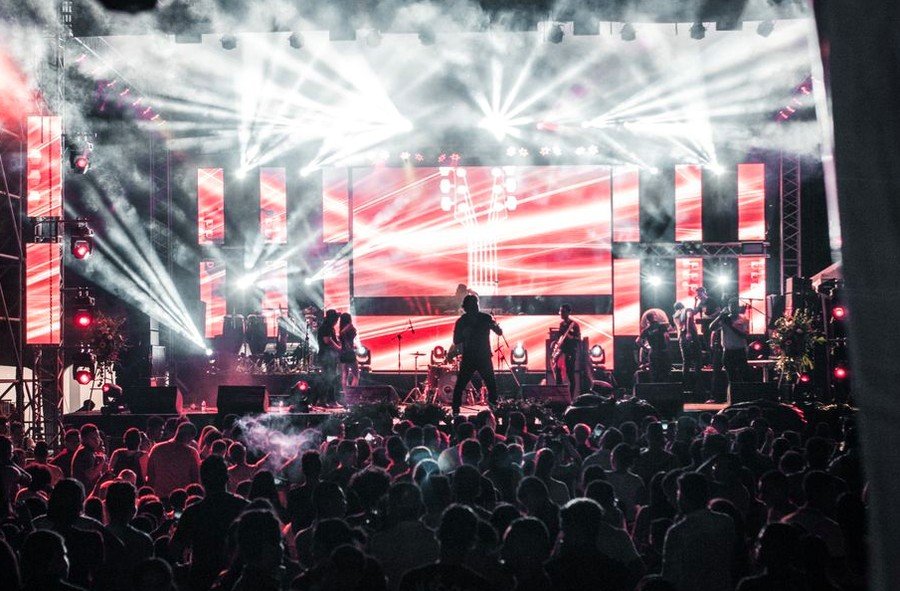
Top Desktop Backgrounds in Celebrities: Atmospheric Concert Moments from World Arena Tours in Ultra HD
A reliable celebrity desktop background begins with the image source, resolution, composition, and download file. The Wallpapers4screen celebrity collection includes high-resolution portraits and photoshoot images in 3840x2400, 2880x1800, and 1920x1200 formats. These sizes provide enough detail for large monitors, wide displays, and wallpapers that require some cropping.
The collection does not identify every image as a live concert photograph or a scene from a world arena tour. Its listed material focuses on celebrity portraits, fashion campaigns, and editorial photoshoots. That distinction matters when you want a music-inspired atmosphere without treating a studio image as a confirmed performance photograph.
Verify the image before downloading
For a digital wallpaper, verification means checking the page, image title, dimensions, and subject before saving the file. A precise title helps prevent downloads of the wrong celebrity or a smaller version that becomes visibly soft when enlarged.
Review the listed resolution first. A 3840x2400 file contains more working detail than a 1920x1200 image, making it suitable for large desktop screens and layouts that need cropping. The 2880x1800 files are practical for many laptops because their 16:10 format leaves less unused space on taller displays.
- Match the celebrity name in the title with the person shown in the image.
- Confirm whether the file is labeled 4K or listed at a specific pixel size.
- Check the composition before downloading, particularly if desktop icons will cover one side.
- Choose a portrait, fashion, or monochrome image based on the atmosphere you want to create.
Inspect the visual quality and crop
View the image at full size before adding it to a desktop rotation. Check facial detail, the edges around hair and clothing, and the amount of negative space available for folders and shortcuts. These details become more noticeable on a large monitor.
Darker styling, dramatic clothing, and strong portrait lighting can create a stage-like mood even when the image comes from a photoshoot. The source catalog includes black-dress, brown-dress, monochrome, and blue-dress portraits. Each style can work with a dark desktop theme and a minimal icon layout, although the overall effect will vary with the screen and crop.
Hayes Warner, Leni Klum, Sarah Pidgeon, Jennifer Garner, Katrina Kaif, Sophie Turner, Hilary Duff, Morena Baccarin, Mika Abdalla, Paulina Chavez, Becky G, and Mrunal Thakur appear in the supplied celebrity listings. Choose among them by visual tone rather than by the general celebrity category. A bright editorial portrait creates a different desktop atmosphere from a tightly framed monochrome close-up.
Reinforce the download package
Store the original downloaded file unchanged, then create a separate copy for cropping, color adjustment, or multi-monitor formatting. Keeping the high-resolution master intact gives you a clean starting point if a later display uses a different aspect ratio.
Descriptive filenames should include the celebrity, resolution, and visual style. A file named «Jennifer-Garner-monochrome-3840x2400» is easier to identify than a generic download name, especially when several images share similar dimensions.
Do not substitute a screenshot for the high-resolution source. Screenshots can include interface elements, reduce pixel detail, and create compression artifacts around faces and dark backgrounds. Downloading the listed image file preserves a cleaner source for desktop use.
Consolidate a practical wallpaper batch
A manageable batch is easier to review and use than a folder filled with every available image. Select three to five backgrounds with related lighting, colors, or composition. A smaller set loads faster during rotation and creates fewer abrupt changes while you work.
One set might focus on monochrome portraits, another on fashion-editorial colors, and a third on darker celebrity imagery. The 4K files in the catalog provide more room for cropping, while 1920x1200 versions may suit older or smaller displays without the additional file size of a larger image.
The Top Desktop Backgrounds in Celebrities: Atmospheric Concert Moments from World Arena Tours in Ultra HD category provides a starting point for comparing celebrity subjects and available dimensions. Open each selected entry separately, inspect its resolution, and keep only the files that fit your monitor.
Acceptance checklist before setting the background
- The page and celebrity name match the selected image.
- The file uses a suitable resolution, preferably 3840x2400 for a large desktop.
- The crop leaves clear space for icons and shortcuts.
- The original file is stored separately from edited copies.
- The final batch contains backgrounds with a consistent visual mood.
Begin with the celebrity category, inspect each file at full resolution, and download a small tested batch before replacing the entire desktop rotation.
- Reference: https://wallpapers4screen.com/
Write a comment