How to Choose Gold Leaf Veins Polished Marble and Natural Gemstones for a Clean Desktop Setup
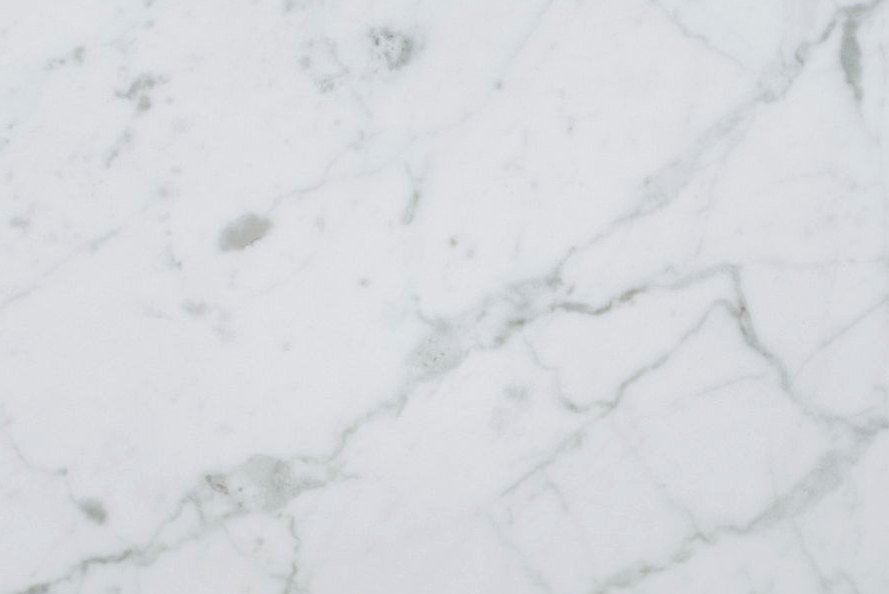
How to Choose Gold Leaf Veins, Polished Marble, and Natural Gemstones for a Clean Desktop Setup
Start with the right visual source
A 3840x2400 texture wallpaper gives your desktop a sharp, spacious background for icons, windows, and product references. Wallpapers4screen lists free texture images in this resolution, including wooden pebbles and sculptural wooden waves that can anchor a polished, stone-inspired setup.
The catalog does not identify its images as real gold leaf, marble, or natural gemstones. Keep that in mind if you are selecting a physical material for a desk, backdrop, or display surface. The choice here is about digital texture references, which set a clean visual direction without the weight, shipping risk, or material cost of physical samples.
Compare texture styles before downloading
Gold leaf veins need a restrained background, because bright metallic lines can compete with desktop icons. Look for a quiet base with clear contrast between the main field and its accent lines. When the pattern gets too busy, open windows become harder to read and the desktop stops looking orderly.
Polished marble references work best when the surface has broad tonal areas rather than dense, repeated detail. If a marble-style background feels too cold, a dark wooden texture is a warmer alternative. The catalog includes dark brown wooden pebbles and dark wooden waves, both listed at 4K resolution, so you can use them to test a deeper desktop palette.
Natural gemstone styling benefits from visible variation in color and surface. Against a light background, colored stones and jewel-toned interface elements stand out. The catalog also includes light brown wooden pebbles, a softer, earthy option for a gemstone concept that needs less visual intensity.
Match the image to the screen layout
The listed 3840x2400 format gives you a large working canvas, but the visible crop still depends on your monitor. Keep the strongest vein, wave, or stone-like detail away from the area where desktop icons usually sit. A calm central field makes file names easier to scan and cuts visual clutter during daily work.
For a minimal setup, choose one dominant surface and keep the rest of the desktop neutral. Gold vein references suit a light stone field, dark polished textures suit pale icons, and earthy pebble patterns suit warm wood or brass accessories. How these elements relate to each other matters more than whether the image literally depicts the material named in your brief.
Choose a digital transport option that fits the batch
For one or two background choices, downloading directly in the browser is the simplest route. The catalog presents individual wallpaper entries, so you can inspect the title and resolution, open the selected image, and save only the files you need for your desktop test.
A larger reference set is easier to build page by page. Wallpapers4screen identifies this collection as page 1 of 75, which leaves plenty of room to compare styles before settling on the first visible result. Working this way also cuts unnecessary downloads when the goal is a focused gold, marble, or gemstone mood board.
No download duration or file-size figure is published with the listing. Actual transfer time depends on the image file size, browser, connection, and device storage. The advertised resolution confirms the intended image dimensions, but it does not support a guaranteed delivery estimate.
Use a practical shortlist instead of a full catalog
Suppose a designer needs a 12-image desktop reference set: four options for gold-vein styling, four for polished marble direction, and four for natural gemstone color. That is a manageable hypothetical batch, though the catalog does not confirm that all three material categories appear as named wallpaper subjects.
Build the shortlist from the closest available visual families. Lighter wooden pebbles give a warm mineral direction, darker wooden pebbles a deeper polished-surface direction, and wooden waves a flowing, vein-like movement. Mark each file by background tone and pattern density, then test the strongest candidates on the actual desktop.
If the final background feels crowded, remove detail before changing the resolution. The 3840x2400 format already supplies a large canvas, so the problem may be pattern placement rather than image quality. A quieter texture usually keeps icons legible and makes the setup look cleaner.
Review the texture collection efficiently
You can use How to Choose Gold Leaf Veins, Polished Marble, and Natural Gemstones for a Clean Desktop Setup as a focused reference path while comparing texture categories. Start with the material impression you need, then filter your shortlist by color, contrast, and visual density.
- Choose light wooden pebbles when the desktop needs a pale, warm base.
- Dark wooden pebbles are the better pick when light icons require stronger contrast.
- Test wooden waves when a flowing line pattern resembles veins or layered stone.
- For detailed screen testing, use the listed 4K and 3840x2400 formats.
- Download only the finalists so storage and file review stay manageable.
Check the result on the real desktop
Thumbnails are a poor guide, so open each candidate behind your usual icons and applications. Fine lines may disappear against labels, while strong dark areas can make folders and shortcuts easier to find.
Keep the final choice aligned with the setup’s function. A subtle gold-vein impression suits a restrained workspace, a broad polished texture supports a premium visual theme, and an earthy gemstone direction adds color without requiring a physical surface. When you are ready, select a small set from the 3840x2400 listings and download the candidates that match your screen layout.
- Reference: https://wallpapers4screen.com/
Write a comment