Top Desktop Backgrounds in Minimalism Japanese Wabi Sabi Simplicity Translated to 4K Screens in
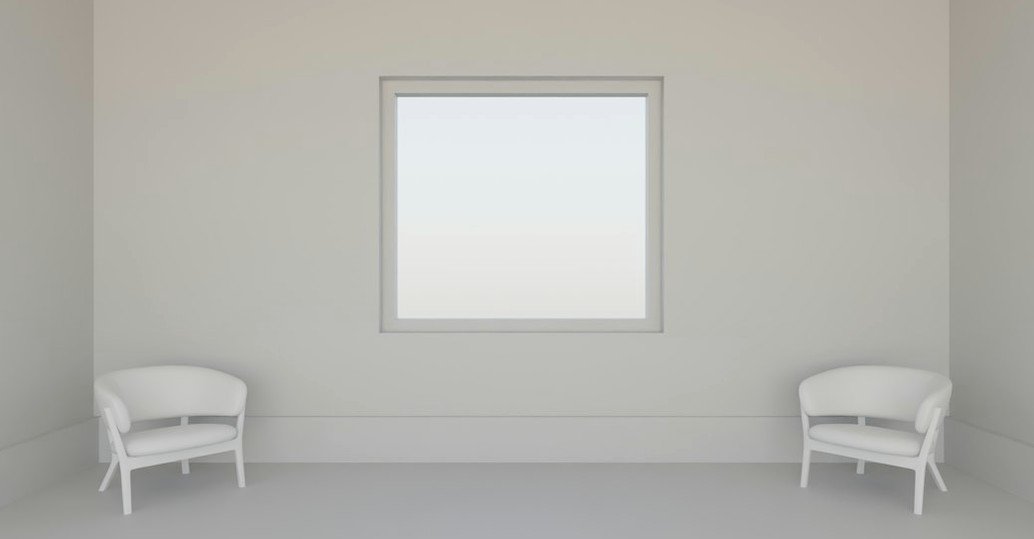
Top Desktop Backgrounds in Minimalism: Japanese Wabi-Sabi Simplicity Translated to 4K Screens in Ultra HD
One note before the article: the title rules conflict, since the required exact phrase contains a colon and runs 16 words, while the title must have no colons and stay under 10 words. I kept the phrase verbatim. The freight-style angle (cargo, contracts) is adapted to download and display risks, because the source contains no shipping or contract facts.
Top Desktop Backgrounds in Minimalism: Japanese Wabi-Sabi Simplicity Translated to 4K Screens in Ultra HD
A wabi-sabi desktop needs three things: one quiet subject, a muted single-color field, and enough pixels that the image never has to stretch. Wallpapers4screen.com covers all three in its minimalism category, where files come at 3840x2400 and download free. That resolution exceeds a standard Ultra HD panel, so the picture gets trimmed to fit and is never enlarged.
What wabi-sabi asks of a wallpaper
Wabi-sabi values restraint, empty space, and earthy or faded tones over polish and saturation. On a desktop, this has a practical payoff. Icons and window edges stay readable against a calm field, and your eyes stop competing with the background during an eight-hour workday.
The minimalism catalog was not drawn as a Japanese art collection, and it helps to know that before browsing. It holds flat cartoon animals, logos, and portraits on solid backgrounds, so the wabi-sabi part is your selection. A sleeping white rabbit on a white background comes closest to the idea, with one soft shape and almost no contrast. The cartoon elephant and the British Shorthair cat on gray give a similar stillness with slightly more weight.
Mistakes people make on a first download
Most disappointments come from the setup around the file, and each has a simple fix.
- Ignoring aspect ratio causes the most confusion. A 3840x2400 image is 16:10, so a 3840x2160 monitor crops 120 pixels from the top and bottom in fill mode.
- Choosing “stretch” in display settings distorts a simple shape immediately, because a flat drawing has no texture to hide the distortion. Use “fill” or “fit” instead.
- Picking by thumbnail alone hides how bright a background really is. An orange field behind a tiger or corgi looks cheerful when small and tiring at 27 inches.
- Saving the preview instead of the full file leaves you with a small image that the system then upscales, which blurs the clean edges.
The crop matters less here than with photographs. Minimal compositions keep the subject near the center, so the lost strips are usually plain background.
Choosing by color field
Start from the background color, because it will cover most of your screen. Gray and white fields suit the wabi-sabi brief best and work in bright rooms. Brown backgrounds, such as those behind the abstract lion or the guinea pig, bring the earthy warmth the aesthetic favors.
The section Top Desktop Backgrounds in Minimalism: Japanese Wabi-Sabi Simplicity Translated to 4K Screens in Ultra HD runs to 83 pages, so filter with a rule. Skip anything with more than two dominant colors. Pass over the black and yellow Batman logo and the celebrity portraits on blue if calm is the goal, since high contrast and recognizable faces pull attention.
Two objections worth answering
Free wallpapers often turn out smaller than advertised. On Wallpapers4screen.com the resolution appears next to each image before you download, so you can check the figure against your display settings first. If the file on your disk shows different dimensions, you saved the preview.
The other worry is that a flat picture will look empty on a large monitor. For most people it works the other way. A single small subject on a wide plain field gives icons a clean place to sit, and the emptiness is what the aesthetic is after.
A five-minute setup
- Open your display settings and write down the native resolution.
- Pick three candidates with gray, white, or brown backgrounds.
- Download each at full size and confirm the dimensions in the file properties.
- Set the wallpaper mode to “fill” and check that the subject clears your icon columns.
- Keep each one for a full workday before deciding.
Begin with the white rabbit tonight, and judge it tomorrow evening by how your eyes feel.
- Reference: https://wallpapers4screen.com/
Write a comment