How to Choose Biophilic Interiors Filled with Indoor Plants and Natural Stone for a Clean Desktop
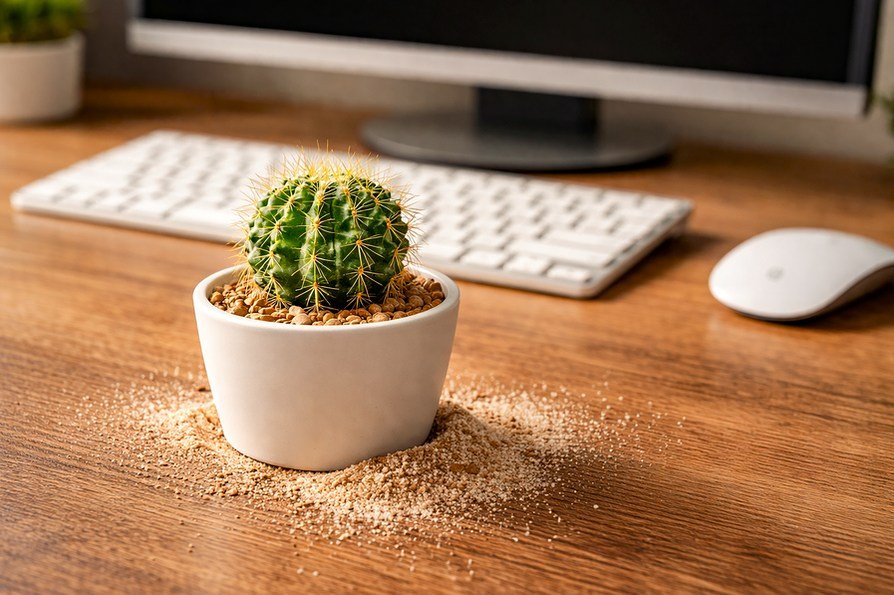
How to Choose Biophilic Interiors Filled with Indoor Plants and Natural Stone for a Clean Desktop Setup
Pick a biophilic interior wallpaper by three measurable things: a resolution that matches your screen, a calm zone where icons will sit, and a restrained palette of greens, grays, and wood tones. Wallpapers4screen.com offers interior images as free downloads in sizes from 1920x1200 up to 3840x2400, so the cost question is settled before you start. What remains is quality control, and the logic of a careful buyer applies well here: verify the supplier, inspect the goods, protect them in transit, and consolidate the batch.
Verify the supplier before you download
A wallpaper source earns trust when it states the pixel dimensions next to every image. The interior category on Wallpapers4screen.com does this for each file, and it runs to 16 pages. You can therefore reject an undersized picture without opening it, which saves time on every candidate.
Read the descriptions too, because they tell you what is in the frame. A listing such as “large gray marble table in the kitchen” confirms real stone surfaces. “Green glossy cabinetry” gives you color but not living plants, so check the preview for actual foliage if greenery matters to you.
Inspect the image the way you would inspect stock
Start with size. A 1920x1200 file stretched across a 4K monitor turns marble veining into a gray smear, so match or exceed your native resolution. The listed sizes of 1920x1200, 2560x1600, 2880x1800, and 3840x2400 all share a 16:10 proportion. On a 16:9 display, a thin strip at the top and bottom will be cropped.
Then look at composition. A clean desktop needs one quiet third of the image, usually a stone countertop, a plain wall, or an out-of-focus floor. Plants should sit on the opposite side from your icons, because leaves create busy edges that make labels hard to read.
If you are still working out how to choose biophilic interiors filled with indoor plants and natural stone for a clean desktop setup, open the preview at full size and squint. If the picture reads as two or three large shapes, it will stay calm behind your windows. If it breaks into dozens of small objects, skip it.
Reinforce the packaging so quality survives the trip
A good file can still arrive damaged. Download the original from the image page instead of saving the thumbnail, since thumbnails are small and compressed. Keep the file in its original format and avoid re-saving it through an editor, which adds compression artifacts to smooth stone gradients.
In your display settings, choose “Fill” for a 16:10 image on a 16:9 screen. “Stretch” distorts the proportions of furniture and makes round planters look oval.
Consolidate a batch instead of chasing single images
One wallpaper gets stale within weeks, but a random mix of styles makes the desktop feel messy each time it rotates. Build a set of 6-10 images that share a palette. Gray marble, concrete walls, and weathered wood from the loft and mountain cabin interiors combine well with any shot that includes greenery.
Store the set in one folder, named by resolution, and point your slideshow setting at it. If you place icons on the left, every image in the batch needs its quiet zone on the left.
Three objections worth answering
The first concerns price. Downloads on the site are free, so there is no quote that could be recalculated later.
The second concerns time. Sixteen pages sounds like a long search, but filtering by stated resolution and description cuts most candidates in seconds.
The third concerns liability. Personal desktop use is the stated purpose of the site. For a client presentation, a storefront screen, or printed material, check the usage terms or contact the site through its feedback page first.
Acceptance checklist
Open the interior category, shortlist ten images, and pass each one through this list before it reaches your desktop.
- Pixel dimensions equal or exceed your monitor’s native resolution.
- The original file was downloaded, with no thumbnail or screenshot standing in for it.
- One third of the frame is calm enough for icons and widgets.
- Stone, wood, or plants are clearly visible at full size, without blur or banding.
- Colors match the rest of the batch, so rotation feels consistent.
- Display mode is set to “Fill,” and nothing important is cropped at the edges.
- Icon labels stay readable over the image at normal viewing distance.
- Reference: https://wallpapers4screen.com/
Write a comment