Building an Inspiring Workspace With the Right High Resolution Screen Art
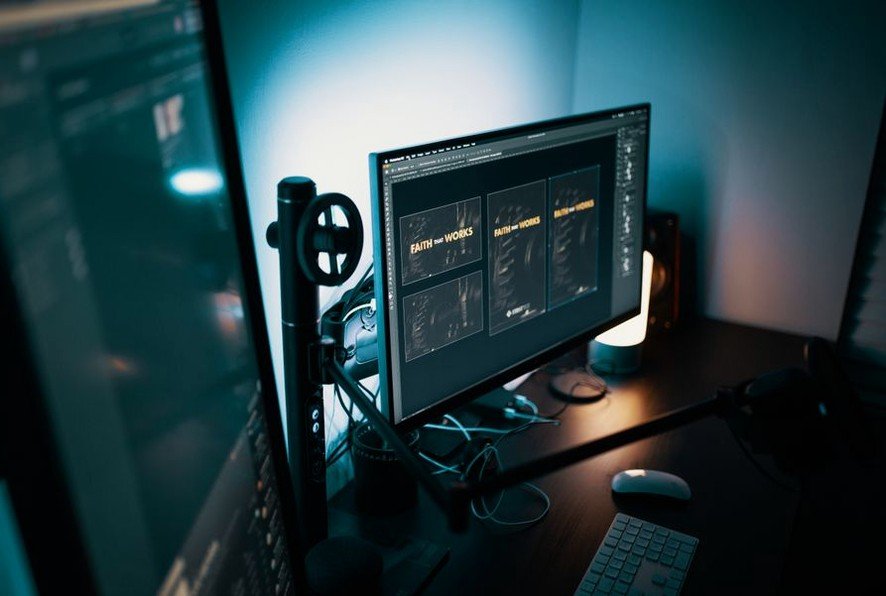
Building an Inspiring Workspace With the Right High-Resolution Screen Art
Start With the Real Cost of Screen Art
Building an inspiring workspace can begin with free desktop wallpapers in 3840x2400 resolution. Wallpapers4screen.com lists high-resolution images without showing a download price, so the artwork acquisition cost can be $0 for the listed files. Your actual budget depends on screen count, image review time, storage, and whether the chosen picture has usage terms suitable for a business environment.
The site is designed for desktop and mobile users, with images grouped by categories such as Abstract, Art, Cities, Computers, Interior, Minimalism, Nature, Space, and Textures. That structure reduces search time because you can narrow the visual direction before downloading several files that do not fit the room or brand.
How to Structure the Budget
A practical tariff structure starts with the number of screens rather than the number of images. One monitor may need a single background, while a shared office with ten workstations may require a curated set of ten or more files. The source material does not list subscription fees, per-image charges, or paid download tiers, so those costs should not be added to the calculation.
- For one workstation, budget the acquisition line at $0 for the listed free wallpapers, then account for the time needed to compare and download suitable images.
- For a small team, select a limited visual set from one or two categories. This keeps review work controlled and avoids storing hundreds of files that nobody uses.
- For a larger office, create a simple approval process before deployment. One person can check resolution, composition, and suitability, preventing repeated downloads and inconsistent screen layouts.
The 3840x2400 format gives you a substantial source image for compatible high-resolution displays. A screen with a different aspect ratio may crop the edges or leave part of the image unused, so check the monitor format before treating every file as an exact match.
Where Budget Waste Usually Appears
Free artwork does not remove every cost. Staff time is spent searching, comparing, downloading, renaming, and assigning files to devices. A basic file-naming system can reduce that work: include the category, image subject, and intended workspace in each filename.
Resolution also affects the usefulness of a download. Choosing a small image for a large display can produce visible softness, which may lead to another search and duplicate effort. Selecting a 3840x2400 file first can reduce that risk when the monitor supports a similar format.
Visual variety should follow a purpose. Abstract and Minimalism categories may suit focused work areas, while Nature, Cities, or Space can give reception areas and collaborative rooms a more expressive appearance. The site contains many categories and more than 9,000 listed pages, so a clear brief protects the budget from unplanned browsing time.
Free Download Does Not Set Usage Rights
The source material describes free wallpaper downloads but does not provide a license summary for business display, redistribution, editing, or public-facing advertising. Before installing an image across an office, confirm the usage terms shown with that file or contact the site through its feedback option.
This check matters when a wallpaper appears on screens visible to visitors, customers, or the public. Keep a record of the page address, download date, and any stated permission. If the terms are unclear, use the image only after receiving suitable confirmation or choose artwork with clearly stated business-use permission.
You can review the available categories and image formats through Building an Inspiring Workspace With the Right High-Resolution Screen Art. Save the selected page details with the downloaded file, because that record supports a cleaner internal approval process.
A Safer Selection Process
- Define the room and screen type before opening the catalog.
- Choose two or three relevant categories instead of searching the entire site.
- Check the displayed resolution, especially when the monitor is large or high density.
- Review the image for distracting contrast, unreadable areas, or unsuitable subject matter.
- Confirm the stated usage terms and save supporting information.
- Test the wallpaper on one device before applying it across the workspace.
This sequence controls both direct spending and hidden labor. It also makes replacement easier when a team changes its visual theme or moves to a different screen format.
Frequently Asked Questions
Are the wallpapers free to download?
The site presents the wallpapers as free downloads and does not show a listed purchase price in the supplied material. Check the individual page for current conditions before business use.
What resolution is available?
The catalog displays many images at 3840x2400. Confirm the individual file and compare it with your monitor’s aspect ratio before downloading.
Can a company use the images commercially?
The supplied material does not confirm commercial permissions. Review the image terms or contact Wallpapers4screen.com before using a file on public or customer-facing screens.
How can a team keep the budget under control?
Set a screen count, limit the search categories, check resolution first, and document usage terms before downloading a larger collection.
- Reference: https://wallpapers4screen.com/
Write a comment