Best Wallpaper Styles for Glossy Laptop Screens in Bright Rooms
Best Wallpaper Styles for Glossy Laptop Screens in Bright Rooms
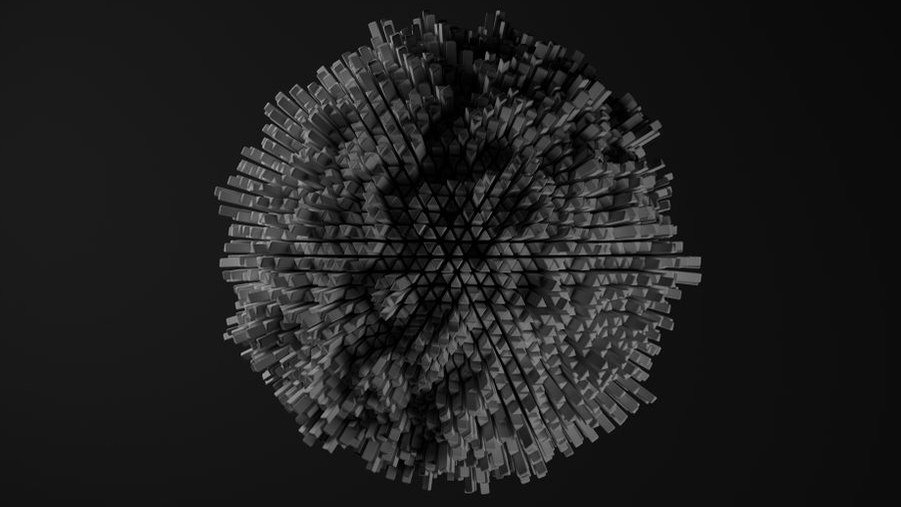
A glossy laptop used near windows or under strong ceiling lights benefits from wallpaper with restrained contrast, darker focal areas, and enough texture to make reflections less noticeable. The Wallpapers4screen catalog offers free desktop images in high-quality resolutions, including 3840x2400 files. That makes it easier to match the image to a large laptop display without starting with a low-resolution file.
Abstract designs, minimalist backgrounds, landscapes, textures, and selected hi-tech images are practical choices for bright rooms. They create a calmer desktop surface than bright white photographs or highly detailed scenes filled with small highlights. The right image cannot remove glare from glossy glass, but it can make reflected light less distracting during ordinary work.
How the Digital Delivery Route Works
The process is entirely digital. Choose a category, open an image page, download the file, and set it as the laptop background. There is no warehouse, freight carrier, transit hub, customs process, or physical cargo involved. The receiving point is your laptop storage, followed by the wallpaper settings in the operating system.
Wallpapers4screen organizes desktop images by category and provides page navigation through a large image library. This structure is useful when bright-room conditions narrow the search. Instead of browsing unrelated pictures, you can open categories such as Abstract, Minimalism, Landscapes, Nature, Textures, Space, or Hi-tech and review images intended for desktop screens.
The website also includes search and language navigation, which helps shorten the path from the landing page to a suitable file. Users in any region can follow the same digital process, although download time depends on the local internet connection and the file size. Image dimensions appear directly on the site, including 3840x2400, so you can check compatibility before saving the file.
Wallpaper Styles That Handle Bright Rooms Better
Abstract compositions
Abstract wallpapers can work well when reflections cross the screen because their shapes do not depend on one precise subject. Look for darker gradients, muted sections, and broad forms. Very bright abstract patterns may add visual noise, especially when sunlight moves across the display during the day.
Minimalist backgrounds
Minimalism fits laptops used for documents, spreadsheets, and browser windows. A simple background keeps icons readable and gives reflected light fewer high-contrast details to compete with. Designs with one dominant tone are usually easier to view than a white field covered with thin lines or scattered objects.
Textures and natural surfaces
Texture images can disguise small reflections more effectively than flat, single-color backgrounds. Stone, fabric-like patterns, wood, and other restrained surfaces create gentle variation without demanding constant attention. The Textures category offers a direct starting point, while Nature may provide subdued images with leaves, water, or broad outdoor shapes.
Landscapes and city scenes
Landscapes suit users who want a recognizable scene, but images with darker foregrounds and limited sky brightness are usually easier to view in a bright room. City wallpaper can work in a similar way when buildings fill much of the frame and illuminated signs do not dominate the center. The Cities and Landscapes categories make this search more focused than browsing the entire library.
Hi-tech and space themes
Hi-tech and Space images often use dark backgrounds, which can feel more comfortable under strong ambient light. Avoid designs with large white flares, brilliant stars, or glowing panels near the center of the screen. These elements may look appealing in a preview but become distracting beside a window.
How to Receive and Set the File
Open the selected image, confirm its resolution, and download the original desktop file instead of relying on a compressed preview. A 3840x2400 image gives a large-format laptop display more detail to work with, although the operating system may crop or scale it to match the screen ratio.
- Begin with Abstract, Minimalism, Textures, or Landscapes.
- Reject images dominated by white skies, intense highlights, or fine bright lines.
- Check the listed resolution before downloading.
- Save the file in a folder used for desktop backgrounds.
- Apply the image and test it near the brightest window in the room.
If icons blend into the image, choose a design with a quieter corner or move the icons through the operating system settings. When the screen still feels visually harsh, try a darker option from Space, Hi-tech, or a subdued abstract category.
Use Best Wallpaper Styles for Glossy Laptop Screens in Bright Rooms as the starting point for a focused search through the desktop catalog. Which category will you test first on your laptop: Minimalism, Textures, Landscapes, or a darker Space design?
- Reference: https://wallpapers4screen.com/
Write a comment