How to Choose Modern Neo Pop Portraits and Bold Street Art Murals for a Clean Desktop Setup
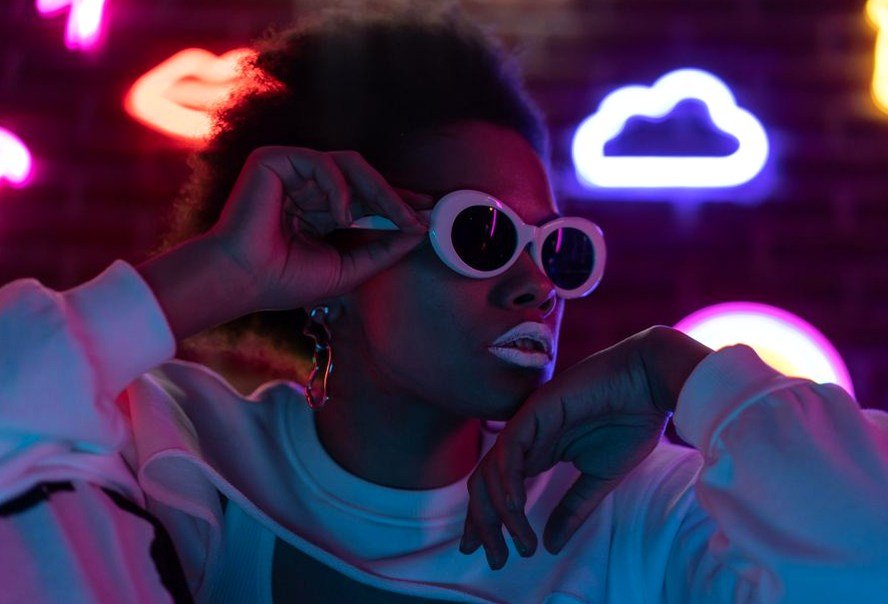
How to Choose Modern Neo-Pop Portraits and Bold Street-Art Murals for a Clean Desktop Setup
Start with the real cost
The wallpapers listed by Wallpapers4screen are presented as free desktop downloads, so the visible purchase price is zero. The collection includes high-resolution art files at 3840×2400, which suits large monitors and gives you room to crop without immediately sacrificing detail.
No tariff schedule, subscription charge, delivery fee, or price-recalculation policy appears in the supplied material. That means the budget calculation should begin with the download price, then account for any separate license, commercial-use permission, design work, or storage requirement that applies to your project.
For a personal desktop, a free file may be enough. For an office display, public installation, marketing screen, or resale product, check the page terms before use. A free download does not automatically confirm permission for every commercial purpose.
Match the artwork to a clean desktop
Neo-pop portraits need a controlled focal area because faces and strong color blocks compete with icons. Choose an image with clear negative space on the side where your shortcuts sit. This keeps the desktop readable without reducing the artwork to a small background detail.
Bold street-art murals work better when the monitor can show their full rhythm of shapes, text, and color. Abstract cityscapes, retro posters, and synthwave scenes from the collection can create that effect. Tokyo, Berlin, Kyoto, Dubai, Doha, and San Antonio entries offer urban compositions, while vaporwave and retrowave car artwork supplies a more graphic alternative.
Use the 3840×2400 files when your display supports that ratio or when you need extra cropping room. If your monitor has a different shape, preview the image before setting it as wallpaper. A badly cropped portrait can hide the face, while a mural may lose its main architectural element.
Build a budget without hidden assumptions
Use this simple calculation before downloading a set:
- Begin with the listed free download price.
- Add any fee shown for licensing, if the specific page introduces one.
- Include editing costs if you need a designer to remove text, adjust colors, or prepare several screen sizes.
- Reserve storage space for original files and edited versions.
- Check whether your planned use requires written permission.
The supplied catalog does not state a tariff structure for artwork, so assigning a licensing percentage or commercial-use rate would be guesswork. It also does not identify customs duties, taxes, or payment surcharges. Digital downloads generally need a rights review rather than a freight-tariff calculation, but the applicable charge depends on the terms attached to the individual work.
If a file is free and the page gives no commercial license, keep the safest working assumption: use it for a private desktop until the rights holder confirms broader use. That protects a business from replacing a free background later after an advertising campaign has already launched.
Choose between portraits and murals
A portrait is the better budget choice when you need one strong visual with limited editing. Look for a face, silhouette, or color field that stays recognizable after icons and task windows cover part of the screen.
A mural-style city image fits a large monitor or a multi-screen workspace. Abstract Tokyo, Berlin, Kyoto, and Dubai designs can create visual continuity, but they may become distracting if every display uses a different location or color scheme.
For a restrained setup, select one dominant palette and keep the taskbar area relatively quiet. Synthwave sunsets with purple tones create a vivid backdrop, while monochrome or grunge car art can reduce visual noise. The choice should follow your work habits, not merely the highest contrast preview.
Check compliance before deployment
Download the original file from the listed page and retain the page address, file name, and access date. This creates a basic record of what you selected and where you found it. It does not replace a license agreement, but it helps you identify the asset later.
Before installing art on company computers, confirm whether the permission covers internal business use. For public screens, client presentations, paid products, or social media campaigns, request written clarification if the page terms are silent. This step costs less than changing branded materials after a rights complaint.
To compare suitable visual directions, browse How to Choose Modern Neo-Pop Portraits and Bold Street-Art Murals for a Clean Desktop Setup and shortlist files by resolution, composition, and intended use rather than by title alone.
Common questions
Are these desktop wallpapers free?
The supplied page describes the art wallpapers as free downloads. It does not list a separate price for the featured files.
Do free downloads include commercial rights?
That is not confirmed in the supplied material. Review the specific page terms or obtain permission before using an image in advertising, products, or public displays.
Why choose 3840×2400 files?
The resolution provides detailed images and extra cropping room for large displays. You still need to check whether the aspect ratio fits your monitor.
Are customs tariffs included?
No customs or freight tariff is identified because the material concerns digital wallpaper downloads. Any separate license or payment charge must be verified on the relevant page.
- Reference: https://wallpapers4screen.com/
Write a comment