How to Choose Nostalgic Pixel Art Landscapes from 8 bit and 16 bit Eras for a Clean Desktop Setup
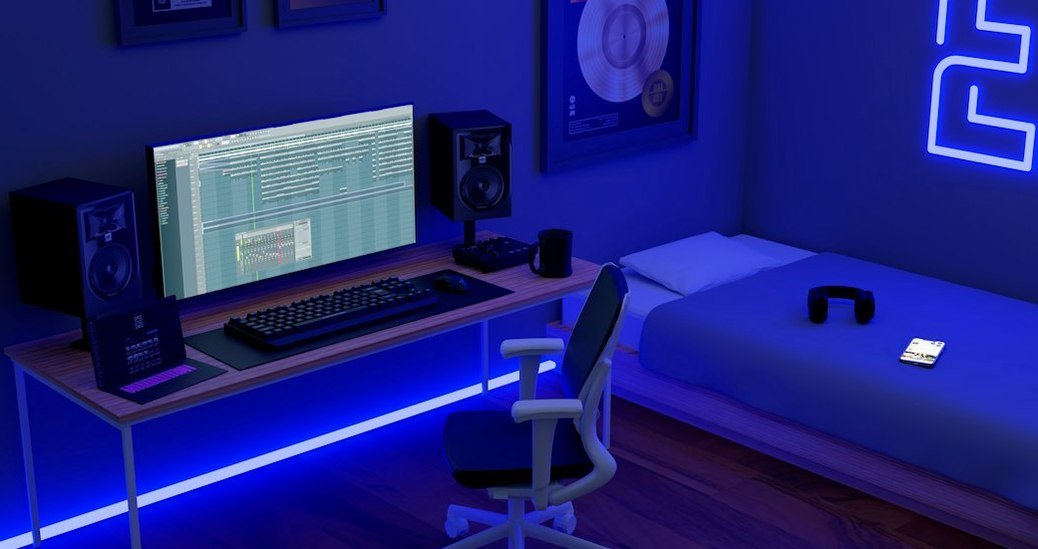
How to Choose Nostalgic Pixel-Art Landscapes from 8-bit and 16-bit Eras for a Clean Desktop Setup
Choose a pixel-art landscape by checking its native resolution, visual density, and placement of open space before downloading it. For a clean desktop, the image should support readable icons instead of competing with them. The Wallpapers4screen games category offers free desktop downloads, including images listed at 3840x2400, but its current examples focus on modern Fortnite fan art rather than confirmed 8-bit or 16-bit landscapes.
Start with the screen layout
A wallpaper works best when its focal point sits away from the area where your shortcuts appear. If your icons line the left side, look for a landscape with sky, water, or darker terrain in that zone. Bright characters, dense buildings, and strong effects behind the icons make the desktop harder to scan.
The listed 3840x2400 format has a 16:10 aspect ratio. It can look sharp on a compatible display, but cropping may occur on a 16:9 monitor or laptop. Check the preview against your screen shape before setting the image as a background, because automatic cropping can remove a mountain ridge, horizon, or central character.
Separate true pixel art from modern game art
Classic 8-bit and 16-bit landscapes usually use deliberate block-shaped pixels, compact color palettes, and simple silhouettes. Modern 3D artwork may imitate a retro mood while retaining smooth gradients, detailed lighting, and high-resolution surfaces. Those styles can both look attractive, but they create different desktop results.
The available category lists several Fortnite wallpapers with blue, yellow, violet, red, gray, black, and turquoise backgrounds. Names include Frozen Raven, Shade, Sanctum, Tailor, Nara, Shiver, Marshmello, Dusk, Dominion, and Spider Knight. These entries are described as 4K or 3840x2400 creative fan art, so they should not be treated as verified 8-bit or 16-bit landscape files.
For a genuine retro landscape, inspect the preview at full size. Look for stepped coastlines, square-edged clouds, limited shading, and a horizon that remains clear after desktop icons appear. If the image relies on glossy 3D lighting or character detail, it may suit a gaming setup better than a restrained work desktop.
Use color to protect desktop readability
Dark lower corners and muted sky areas usually create better contrast for white icon labels. A wallpaper with saturated blue, yellow, or violet across the entire screen can make text disappear, especially when icons sit over a busy background.
Choose one dominant color and keep the rest of the image quieter. A blue night landscape can work well with white labels, while a bright yellow scene may require darker system text or fewer icons. Test the image with your real desktop arrangement rather than judging the preview alone.
For a broader search, visit How to Choose Nostalgic Pixel-Art Landscapes from 8-bit and 16-bit Eras for a Clean Desktop Setup through the games category. The page contains 438 pages of game wallpapers, so filtering by visual style and resolution matters more than downloading the first attractive image.
Check the file before setting it
Confirm the downloaded dimensions and file quality before replacing your current background. A 3840x2400 image provides substantial detail, but its larger size may be unnecessary on a smaller display. A source file with the wrong aspect ratio can produce stretching or unwanted empty bands.
- Compare the image ratio with your monitor or laptop display.
- Place the main landscape feature away from shortcut clusters.
- Inspect dark and light areas behind icon labels.
- Check whether the preview shows pixel blocks or smooth 3D rendering.
- Keep the original download until the image displays correctly.
Why regional delivery does not apply
These wallpapers are digital downloads, so there is no regional route, freight carrier, transit hub, customs stage, or cargo receiving process. Access depends on the website and your internet connection, not on a shipment moving between cities. That also means there is no delivery window or physical package to inspect at the destination.
The practical risk is file selection rather than transport damage. Downloading a modern fan-art image while expecting a nostalgic pixel landscape can leave the desktop looking visually crowded. Review the style, dimensions, and icon placement first, then choose the file that keeps the screen legible.
Would you like a compact pixel-art scene with open space for icons, or a higher-detail 3840x2400 game image with a stronger focal subject?
- Reference: https://wallpapers4screen.com/
Write a comment