Top Desktop Backgrounds in Holidays Modern Neon Holiday Artwork on Sleek Dark Backgrounds in Ultra
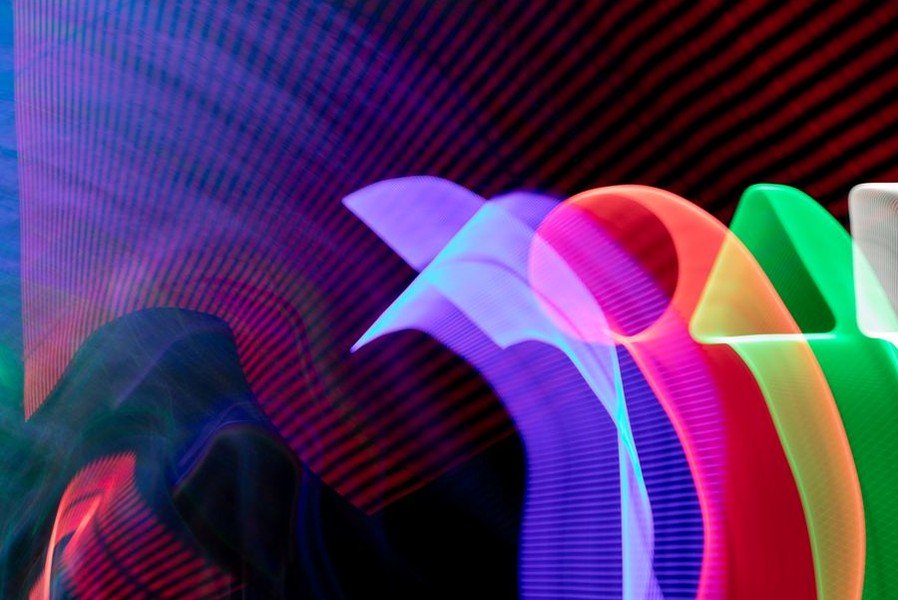
Top Desktop Backgrounds in Holidays: Modern Neon Holiday Artwork on Sleek Dark Backgrounds in Ultra HD
If you want a holiday desktop that stays readable behind icons and open windows, pick neon artwork on a dark base in 3840x2400. Wallpapers4screen.com offers this format in its holidays category as a free download, with no paid tiers. The clearest example right now is the New Year 2027 piece, where the digits sit on a motherboard under green neon lighting.
Why dark neon beats the classic bright holiday scene
A wallpaper spends most of its life half covered by folders, widgets, and a taskbar. Bright scenes with red ornaments and champagne tones look great in a preview, but white icon labels get lost on them. A dark background keeps every label legible, so you stop hunting for files during the busiest weeks of the year.
Neon accents solve the opposite problem. A plain black screen feels empty, but a thin green glow around 2027 digits gives the eye one focal point and leaves the rest of the desktop calm. For daily work, this option wins over the red Christmas frame with spruce branches, which suits a living room TV or a lock screen better.
Matching the artwork to your screen
The category lists its images at 3840x2400, which is a 16:10 frame. That matters because your monitor decides how much of the picture survives.
- On a 16:10 laptop or monitor, the file fits edge to edge with no cropping and no scaling blur.
- A standard 4K display at 3840x2160 trims 240 pixels of height in total, so choose artwork with the subject centered, like the glowing 3D digits.
- Ultrawide panels cut much more from the top and bottom, so compositions with one compact central object hold up, and wide framed scenes do not.
- For 1080p and 1440p screens, the image scales down cleanly, and thin neon lines stay sharp instead of turning jagged.
Downloading the largest version once is the practical move. You can reuse the same file on a work monitor, a home laptop, and a second display without searching again.
Which pieces to choose for which setup
The holidays section runs to 554 pages, so a quick filter saves time. Browse Top Desktop Backgrounds in Holidays: Modern Neon Holiday Artwork on Sleek Dark Backgrounds in Ultra HD with your setup in mind, and the choice narrows fast.
Developers and anyone with a dark-themed editor will get the most from the motherboard design with green neon. Its palette matches terminal colors, so the desktop and the working windows read as one surface. The Happy Programmers Day backgrounds serve the same audience on a different date.
For an office machine that clients might see, the 2027 metal 3D digits and the crystal text variant look more formal. They carry the New Year theme without Santa figures or cartoon styling. The glass digits over a winter landscape are lighter in tone, so keep them for a secondary monitor where few icons live.
A sample setup, worked through
Suppose you run three screens: a 16:10 laptop, a 4K monitor at 3840x2160, and an older 1080p display turned vertical. You download three files from Wallpapers4screen.com, each at 3840x2400, and pay nothing.
The laptop takes the green neon motherboard image at native size. On the 4K monitor, the glowing 3D digits lose 120 pixels from the top and 120 from the bottom, which leaves the centered digits intact. The vertical display gets the metal digits, cropped to the middle strip, because a compact central object survives a portrait cut.
Total cost is zero, and the whole swap takes a few minutes per screen. The usual objections are price and quality, and both are answered by the listing itself: free files at Ultra HD size.
Your next step
Check your display resolution in system settings, then open the holidays category and pick one dark neon piece with a centered subject. Set it on your main screen today and see how your icons read against it before choosing the rest.
- Reference: https://wallpapers4screen.com/
Write a comment