How to Choose Low Poly 3D Landscapes and Geometric Terrains for a Clean Desktop Setup
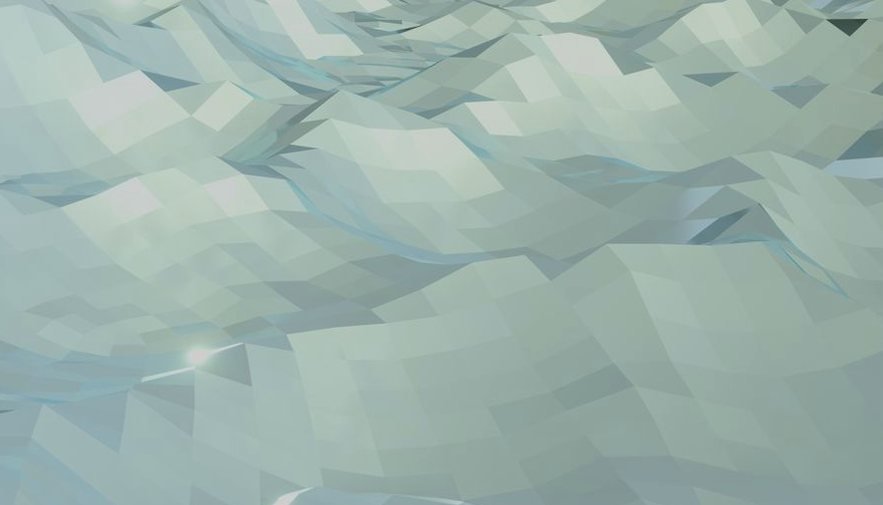
How to Choose Low-Poly 3D Landscapes and Geometric Terrains for a Clean Desktop Setup
Low-poly 3D landscapes work well on a clean desktop when their geometry stays readable, colors remain controlled, and the image fits the monitor without awkward cropping. The Wallpapers4screen 3D-graphics collection offers free desktop downloads, including images sized at 3840x2400, so you can start with a large source file and select a composition that suits your screen.
Choosing the right image is less about visual complexity and more about how the terrain behaves behind icons, folders, and open windows. A geometric landscape with a quiet horizon keeps shortcuts visible, while dense peaks, sharp lines, or bright highlights can make the desktop feel crowded.
Start with the screen ratio
A 3840x2400 image uses a 16:10 proportion. That format fits many larger monitors and laptops, but a 16:9 display may crop part of the top or bottom during wallpaper placement. Check the display settings before downloading several files, because the wrong crop can remove the horizon or shift the main terrain away from the center.
For a 16:10 screen, look for landscapes with broad negative space around the middle. This leaves room for icons without hiding the polygonal structure. On a 16:9 monitor, choose a scene with extra visual space near the upper and lower edges, since the operating system may trim those areas.
Choose terrain by desktop function
Use darker geometric ground when your icons have light labels. Pale rock, snow, or sand can reduce text contrast, especially when shortcuts sit across the lower half of the screen. A muted green, gray, or deep blue landscape usually keeps the interface easier to scan.
Scenes with a strong central mountain or faceted object create a focal point, but they can compete with application windows. For work computers, a side-weighted composition often feels cleaner because the middle stays available for documents and previews. More dramatic scenery suits a personal setup where the wallpaper can carry more visual weight.
The source collection includes 3D art, abstract environments, space scenes, and other highly rendered designs. Filter your choices by structure rather than subject. Planetary images may work when you want circular forms and dark empty space, while colorful 3D backgrounds can add energy but may reduce visual calm.
Review the digital delivery route
These wallpapers are digital downloads, so regional delivery does not involve trucks, transit hubs, customs clearance, or receiving cargo at a destination address. The route ends on your device after the file downloads from the website. That removes freight charges and physical delivery delays, but your actual download time still depends on the connection and file size.
Before starting, confirm that the destination folder has enough free storage and that the browser has completed the download. A high-resolution file can look soft when stretched from a smaller source, while the listed 3840x2400 size gives more room for cropping and display scaling.
For a focused starting point, browse How to Choose Low-Poly 3D Landscapes and Geometric Terrains for a Clean Desktop Setup through the 3D-graphics category and compare compositions at full size rather than relying only on thumbnail previews.
Check the image before applying it
Open the downloaded wallpaper in an image viewer and inspect the corners, horizon, and brightest surfaces. Compression, unusual framing, or an overly busy lower edge becomes more noticeable once desktop icons cover the scene. Previewing first prevents repeated downloads and saves time when you are testing several styles.
- Choose a broad horizon when the desktop carries many folders.
- Keep bright geometric details away from icon labels.
- Use darker terrain for light interface text.
- Match the image ratio to the display before selecting “Fill” or “Fit.”
- Keep the original download if you may move to a larger monitor later.
Build a consistent clean setup
One strong landscape usually works better than switching between unrelated colors every day. Pair a restrained geometric terrain with a simple icon arrangement and a solid accent color in the operating system. The result stays visually coherent without requiring extra desktop widgets or decorative overlays.
Wallpapers4screen lists the 3D-graphics material as free desktop wallpaper content, and the collection spans many pages, including page 1 of 105. Save a few candidates by screen ratio, preview them with your actual icons visible, and apply the file that keeps both the terrain and your workspace readable.
Which monitor ratio and icon layout should the wallpaper fit, so you can choose the right 3840x2400 composition before downloading?
- Reference: https://wallpapers4screen.com/
Write a comment