How to Make Videos With Claude Opus 5.5: 10+ Examples With Every Prompt (Plus How to Add Voice, Music and Real Footage)
Claude creates amazing motion graphics videos, and Amplifiers adds what it can't make alone: voiceovers, music and real footage. Grab your popcorn and get ready to be blown away!
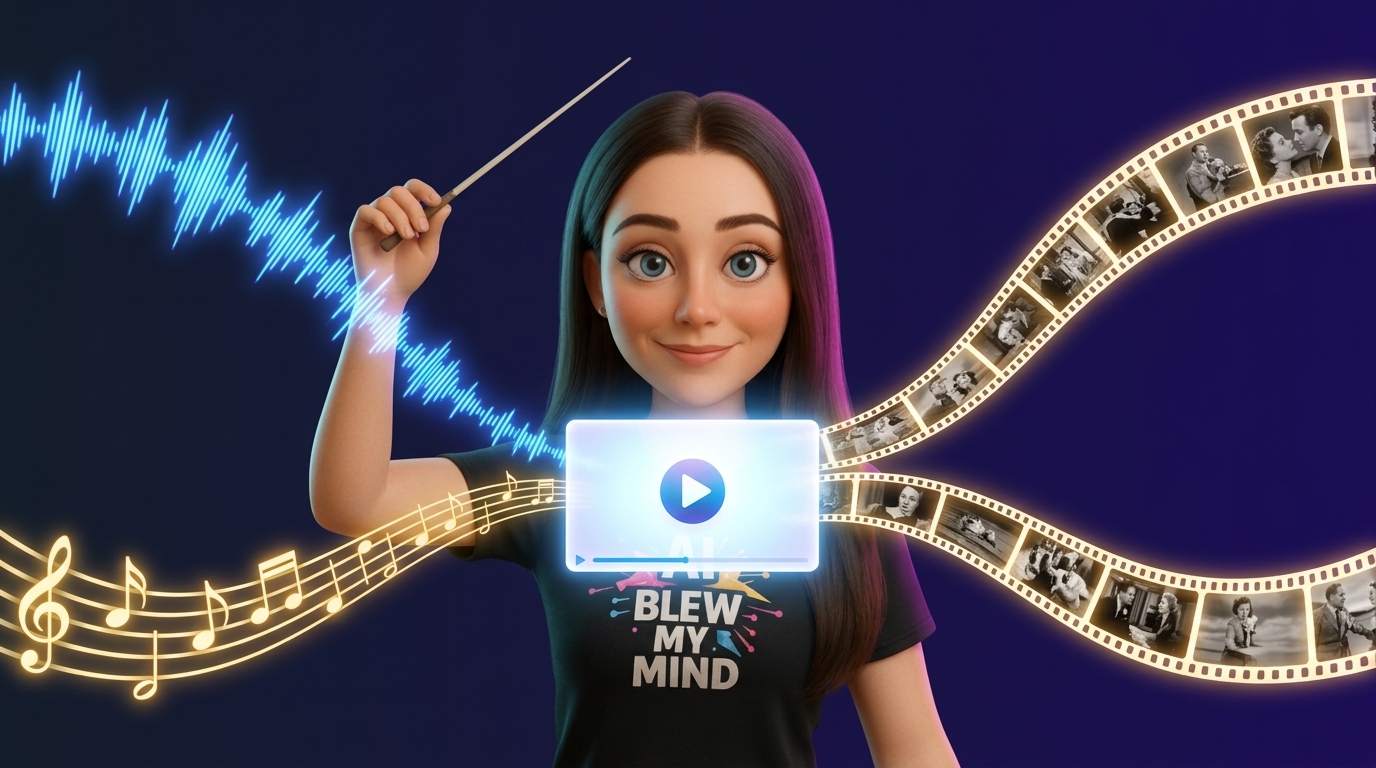
Claude Opus 5.5 generates videos by writing code that draws each frame, which are then rendered into MP4s. Limitations such as lack of natural voiceover, real music, and live footage are addressed by new Amplifiers, integrating services like Gemini 3.1 Flash TTS, ElevenLabs, Lyria 3 Pro, Seedance, and Veo. This combination allows for the creation of diverse video content, from business pitches to explainer videos and trailers, with detailed prompts and a Video Director workflow provided.
- Claude Opus 5.5 generates videos by creating code for individual frames and rendering them.
- New Amplifiers integrate services for voiceovers (Gemini 3.1 Flash TTS, ElevenLabs), music (Lyria 3 Pro), and realistic footage (Seedance, Veo) to overcome Claude’s limitations.
- The article provides over 10 video examples with prompts, demonstrating creation for storytelling, content marketing, and business purposes.
- A Video Director workflow within Amplifiers helps users create any desired video by guiding Claude through prompt generation and finalization.
- Claude Opus 5.5 is noted for improved writing clarity, extended autonomous task performance, cost-effectiveness, and speed compared to previous models.
https://bender.layer3.press/articles/02ce8d05-5716-4919-a694-50bcf1d6b579
Write a comment