AI for Agencies: How to Manage Multiple Clients From One System
Build one organized AI system to manage all your clients—so Claude or ChatGPT delivers client-ready work without another long briefing every time.
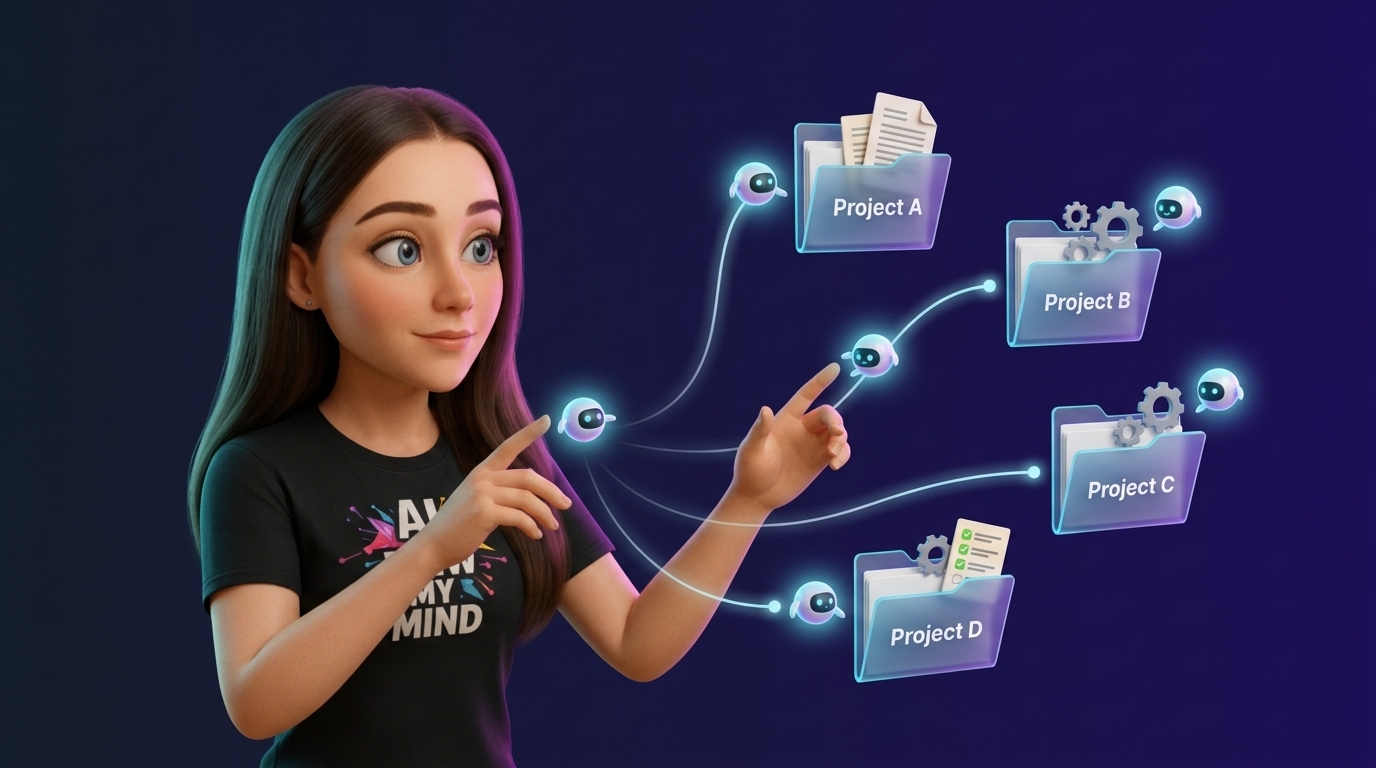
Managing multiple clients with AI can become chaotic due to repetitive briefings and mixed contexts. This article outlines a solution to build a single, organized AI system that stores shared processes and client-specific contexts separately. The proposed system uses a hierarchical folder structure, similar to an operating system, to manage company-wide resources, workspace-specific functions, and individual client projects, ensuring AI delivers tailored work without repeated instructions.
- The challenge of scaling AI across multiple clients lies in managing shared processes versus client-specific contexts.
- A common problem is the need for repeated client briefings due to unorganized AI contexts.
- Existing solutions like ChatGPT Projects can mix information or create unmanageable lists of client-specific setups.
- An ‘AI operating system’ built on a local folder structure (synced via Google Drive) can solve these issues.
- This OS organizes work into three levels: root (company management), workspaces (departments), and projects (individual clients).
- Shared processes are stored at the workspace level, while client-specific information resides in project folders.
- Tools like Cowork’s Workspace Planner and Builder can automate the creation of this AI OS structure.
- The system allows AI to access combined shared and client-specific information, eliminating the need for constant re-briefing.
- The article provides a step-by-step guide, starting with identifying necessary AI skills and workflows, then building the OS foundation, importing client materials, and testing the system.
https://bender.layer3.press/articles/7742ae27-c5fc-4228-b083-bf81a684af77
Write a comment