Best 4K Abstract Wallpapers Digital Glitch Art and Cyber Inspired Distortion
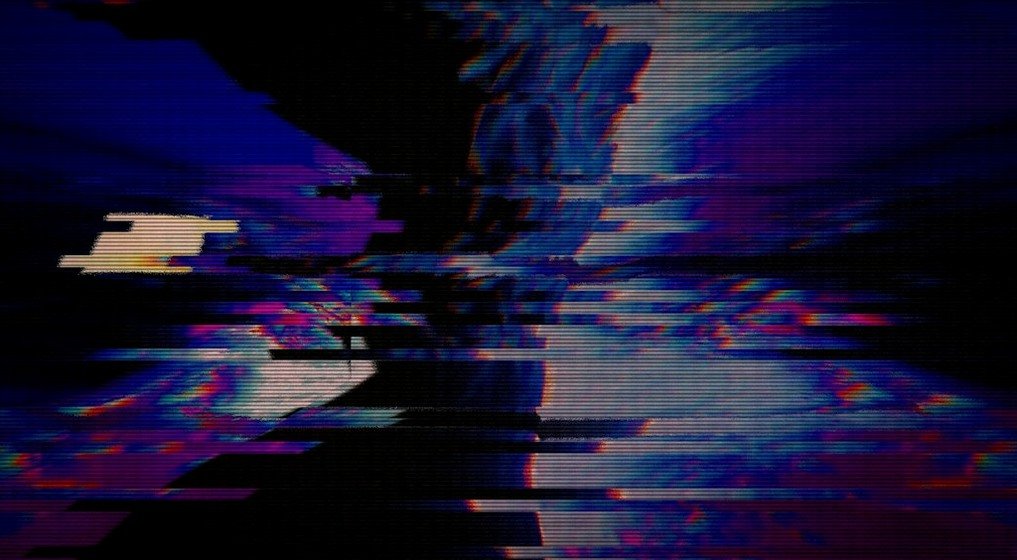
Best 4K Abstract Wallpapers: Digital Glitch Art and Cyber-Inspired Distortion
Choose a download route that fits your screen
For a desktop background, the practical choice is a free 3840x2400 download with enough detail for a large monitor. Cyber-inspired distortion works especially well when the image combines dark space, neon fragments, circuit-like lines, and sharp geometric forms.
The fastest route is direct browser downloading from the abstract wallpaper category. It suits one or two files and avoids moving a large batch through extra apps. For several backgrounds, save files into a dedicated folder first, then review them at full size before setting one as your desktop image.
There is no physical cargo, shipping fee, or delivery window here. The relevant transport options are browser download, desktop file transfer, and cloud or external-drive copying. Your choice affects how quickly the image reaches the target screen and how easily you can organize a larger collection.
What makes a wallpaper fit the cyber-glitch style
Dark backgrounds create room for bright distortion effects. Neon rays, fragmented shapes, circuit shards, and broken geometric patterns produce the visual language associated with cyber interfaces and digital interference.
The source collection includes several 3840x2400 designs with colorful neon rays and black abstract backgrounds. Some use fragmented patterns, while others add circuit-like shards or metal geometric figures. These differences matter when matching the wallpaper to your desktop icons, monitor brightness, and preferred contrast.
Choose a darker composition when icons need to remain readable. A design with concentrated neon elements works better for a clean desktop because the bright details stay away from every corner. Dense geometric patterns create more visual energy, but they can make folders and shortcuts harder to scan.
Compare download methods by batch size
For a single wallpaper, a browser download is the most direct option. The file goes from the page to your computer, so there is no need to prepare a transfer queue or manage multiple destination folders.
- One or two files suit a direct browser download. This keeps selection quick and makes it easier to compare the image with your current desktop layout.
- A small batch works better when saved under clear names such as «neon rays», «circuit shards», or «metal figures». Categorization reduces time spent searching later.
- A larger personal collection should move to an external drive or cloud folder after downloading. That protects the files if the desktop computer is replaced or reset.
The collection is presented as free desktop wallpaper content, with listed images at 3840x2400 resolution. The page does not provide a shipping schedule or a stated file-transfer guarantee, so the actual download time depends on your connection, browser, and device storage.
Where to find suitable abstract designs
The Best 4K Abstract Wallpapers: Digital Glitch Art and Cyber-Inspired Distortion selection gathers abstract desktop images around geometric forms, neon lighting, dark backgrounds, and 3D distortion.
Start with the designs described as colorful neon rays or circuit shards when you want a stronger cyber aesthetic. Their black backgrounds and bright fragments create separation between the wallpaper and desktop controls. Blue ice waves offer a cooler alternative, with flowing gradients instead of sharp glitch structures.
Metal figures and fragmented geometric patterns suit a more technical workstation. Colorful 3D rectangles, cubes, and sticks create a brighter result, although they may compete more aggressively with desktop icons.
A realistic batch calculation
Suppose you want six wallpapers for a rotating desktop collection. You choose two neon-ray designs, two circuit-shard designs, one metal geometric image, and one blue ice-wave background.
Each image is listed at 3840x2400, so the batch contains six high-resolution files. Download the six files directly to a folder named «Abstract 4K», preview them at full screen, and remove any design that makes text or icons difficult to read. Then copy the final set to cloud storage or an external drive.
This workflow separates selection from backup. The browser handles the initial transfer, while the second copy protects your chosen collection. No delivery estimate can be assigned without file-size and connection data, but the process avoids unnecessary transfers and keeps the desktop ready for quick background changes.
Check the image before setting it
Open each wallpaper at its native resolution before applying it. Look for stretched edges, distracting bright areas behind icons, and visual clutter near the taskbar or dock.
Use neon fragments for a more energetic desktop, metal geometry for a restrained technical look, and blue wave gradients when you want softer contrast. Wallpapers4screen lists the abstract images as free downloads, so you can test several compositions without adding a purchase cost.
Choose one file for immediate use, download a small backup batch, and keep the rest organized by visual style. That approach gives your desktop a cyber-inspired look without turning the wallpaper folder into an unmanageable archive.
- Reference: https://wallpapers4screen.com/
Write a comment