How to Choose Forgotten Underground Dungeons Portals and Arcane Relics for a Clean Desktop Setup
How to Choose Forgotten Underground Dungeons, Portals, and Arcane Relics for a Clean Desktop Setup
Revamping a personal computer interface requires careful curation, especially when moving away from standard minimalism into immersive digital realms. High-resolution imagery transforms daily computing tasks by replacing dull default backgrounds with striking visual narratives. Finding the right balance between atmospheric depth and icon visibility prevents visual clutter on busy monitors.
Fantasy categories on platforms like Wallpapers4screen offer thousands of curated options ranging in resolution from standard HD up to 3840x2400 pixels. High-density screens demand crisp textures to avoid pixelation during extended work or gaming sessions. Users often struggle to match complex artwork with system tray icons and application windows.
Evaluating Atmospheric Themes and Visual Weight
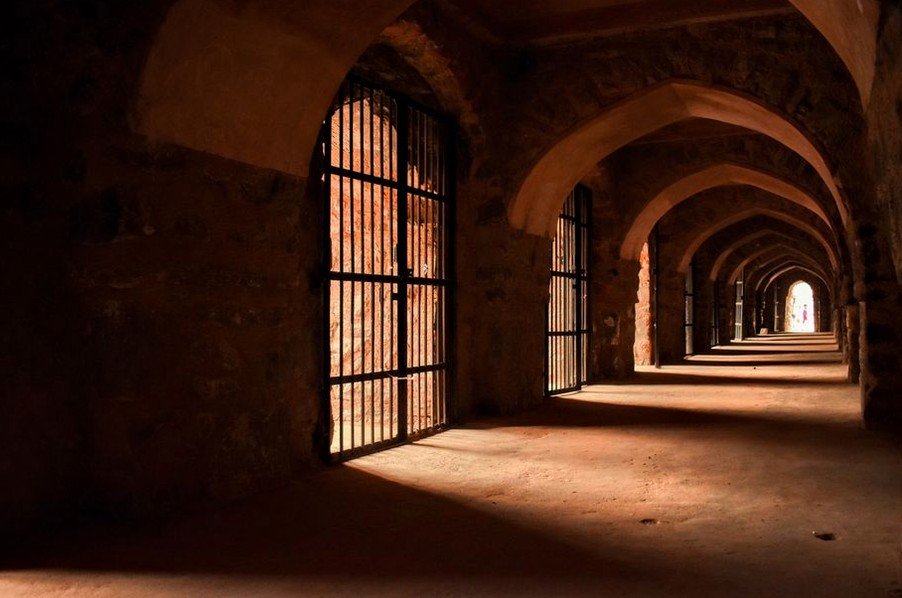
Dark subterranean environments, crumbling stone corridors, and glowing magical artifacts create a distinct mood that commands attention. Selecting a balanced background relies heavily on analyzing color distribution across the upper and lower halves of the display. Busy compositions featuring aggressive dragons or intricate mechanical beasts work best on secondary displays dedicated to gaming or media playback.
Subtle mystical portals and quiet midnight landscapes with red autumn leaves provide a calmer backdrop for productivity tasks. When icons sit directly over high-contrast glowing elements, legibility drops significantly. Choosing images with natural negative space or darkened corners ensures that desktop shortcuts remain instantly recognizable without straining the eyes.
Structuring Your Digital Workspace Layout
A tidy desktop depends on aligning visual focal points with actual folder organization habits. Placing a massive mythical creature on the left side of a display leaves the right side open for standard system directories and active project files. High-resolution downloads at 4k standards give users the flexibility to crop or scale images to fit multi-monitor configurations seamlessly.
Categorized archives simplify the search process by grouping artworks into distinct genres such as abstract textures, deep landscapes, and hi-tech mecha concepts. Instead of wasting hours scrolling through random galleries, visitors can navigate directly to specialized How to Choose Forgotten Underground Dungeons, Portals, and Arcane Relics for a Clean Desktop Setup galleries to secure precise visual assets matching their aesthetic goals.
Hypothetical Customization Scenario
Consider an office workstation equipped with a 4K primary monitor where the user handles heavy software development during the day and creative design projects at night. Selecting an apocalyptic underground subway tunnel or a glowing golden dragon provides an intense visual contrast against stark white code editors or dark IDE themes.
By downloading the native 3840x2400 resolution file, the image scales cleanly without suffering from compression artifacts or stretching distortion. The user arranges frequently used productivity tools over the darker, desaturated portions of the tunnel walls while keeping the glowing portal or fiery breath effects unobstructed in the upper center channel. This deliberate placement maintains an organized workstation while keeping the monitor visually engaging throughout long working hours.
Testing multiple contrasting themes helps determine which color temperatures reduce eye fatigue during late-night hours. Simple navigation tools and clear category indexes eliminate friction when swapping backgrounds to match shifting daily moods.
- Reference: https://wallpapers4screen.com/
Write a comment