Best 4K Abstract Wallpapers Smoke Plumes and Ink Splashes on Dark Backgrounds
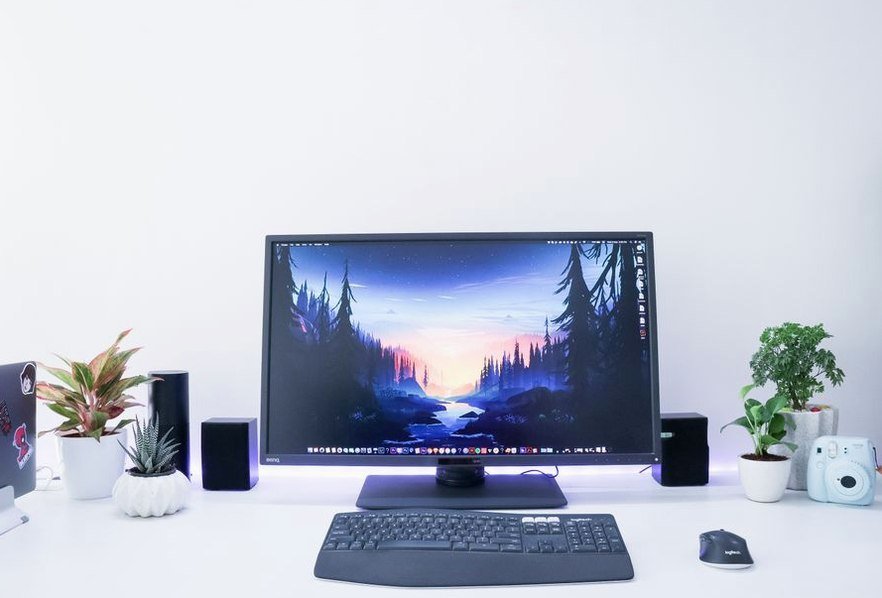
Best 4K Abstract Wallpapers: Smoke Plumes and Ink Splashes on Dark Backgrounds
For a smoke-plume or ink-splash wallpaper, start with the image itself: look for a dark background, clear color separation, and enough resolution for your screen. Wallpapers4screen.com offers free abstract desktop downloads, with several images on its abstract category page listed at 3840 × 2400 pixels. The available descriptions do not confirm a smoke or ink image, so inspect each thumbnail before downloading rather than relying on the category name.
Check the source before choosing an image
With a digital wallpaper, verifying the source means checking where the download comes from and whether its listing matches the picture you want. Wallpapers4screen.com identifies its abstract gallery and shows a resolution beside the listed images. Its visible selection includes dark geometric fragments, neon rays against black, and blue waves on a dark background. Those may suit the same desktop setup as smoke or ink artwork, but they are different subjects.
If the goal is specifically a plume curling through black space or pigment spreading through water, look at the full image before saving it. A thumbnail can make a geometric pattern resemble a splash, while a bright image may contain too little dark space for desktop icons. Checking the composition now saves you from sorting through unsuitable files later.
Inspect the download at full size
The gallery lists several abstract wallpapers at 3840 × 2400 pixels. That gives you substantial image detail, but it has a 16:10 shape. On a 16:9 monitor, a fill setting will crop part of the image. Keep the main plume or splash away from the top and bottom edges if those details matter to you.
Open the downloaded file and confirm its pixel dimensions rather than judging sharpness from the preview. At full size, inspect color transitions for blocky patches, and check fine edges for unwanted blur. Dark backgrounds deserve a close look because compression marks can show up in near-black areas. Apply the wallpaper once, then check how it looks behind your usual icons and windows.
To browse the relevant gallery, open Best 4K Abstract Wallpapers: Smoke Plumes and Ink Splashes on Dark Backgrounds and compare the visible listings with the subject you have in mind. The link leads to the abstract category, not to a confirmed collection of smoke and ink images.
Keep a small, usable batch
Downloading every dark abstract image is rarely helpful. Choose a few candidates that differ in placement: one with the visual detail centered, another with open space on the left, and perhaps one with a quieter background throughout. This makes it easier to find an image that works with your desktop layout.
Save the original files together and give each a descriptive filename that includes its subject and dimensions. Keep an untouched copy if you crop one for your monitor. That is the digital equivalent of protecting a shipment before use: it prevents a later edit from replacing your full-size download. It also makes a batch of similar dark wallpapers easier to compare without reopening the gallery each time.
Before accepting a wallpaper, run through this short check:
- Confirm that the picture actually shows the smoke plume or ink splash you wanted.
- Verify the downloaded file’s dimensions and inspect it at full size.
- Test the crop and icon readability on your desktop.
- Keep the original file alongside any edited version.
Start with the abstract gallery, save the closest candidate, and test it on your screen before collecting more.
- Reference: https://wallpapers4screen.com/
Write a comment