Best 4K Fantasy Wallpapers Epic Medieval Battles Beneath Crimson Twilight Skies
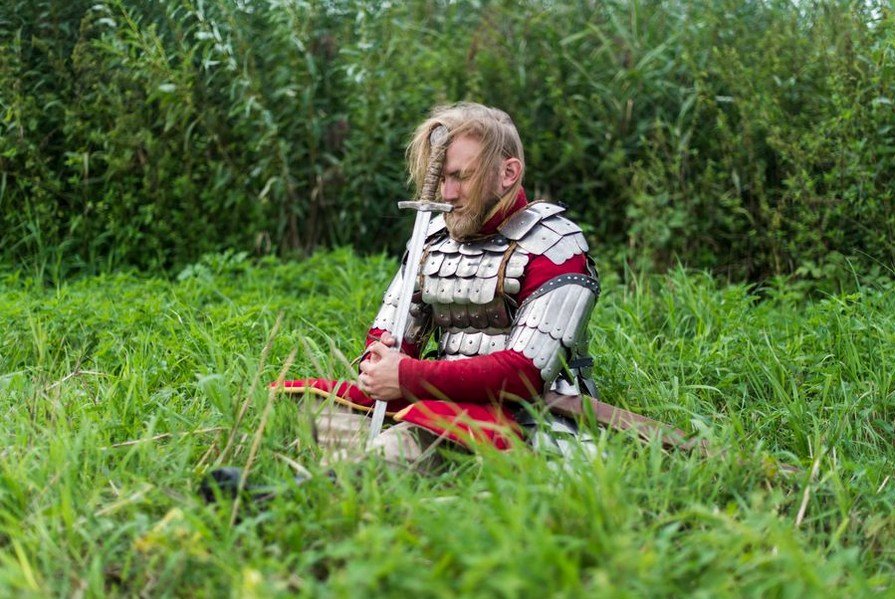
Best 4K Fantasy Wallpapers: Epic Medieval Battles Beneath Crimson Twilight Skies
For a desktop scene with sweeping battlefields, red evening light, and fantasy atmosphere, start with the Fantasy category on Wallpapers4screen.com. The collection includes free desktop images in large formats, including 3840x2400 files that suit many high-resolution monitors.
The exact medieval battle composition may differ from one image to another, so check the preview and resolution before downloading. This approach helps you avoid a cropped scene, soft details, or an image that looks impressive on a phone but weak across a large desktop display.
Why 4K Fantasy Wallpapers Work for Epic Battle Scenes
A 3840x2400 image provides enough detail for armored figures, distant fortresses, smoke, dragons, and layered crimson skies. The extra pixel area also gives you room to position icons without covering the main subject of the artwork.
Wallpapers4screen.com lists fantasy images alongside related themes such as dragons, mythical creatures, night landscapes, fire, and dramatic artwork. Those themes fit a medieval battle setup because they create visual depth without requiring a separate graphics editor or paid background pack.
Screen shape still matters. A 3840x2400 file has a 16:10 ratio, while some displays use 16:9 or another format. The operating system may crop the top and bottom edges, so review the preview before setting the image as your desktop background.
How to Find the Right Regional Fantasy Scene
Begin with the Fantasy category rather than browsing the entire wallpaper directory. The site lists 247 fantasy images in its category navigation, which narrows the route from the home page to the relevant artwork.
- Open the fantasy section and scan the large previews for battlefields, castles, warriors, dragons, or red twilight lighting.
- Check the displayed resolution before opening the download page. Choose 3840x2400 when your monitor can use that size without unnecessary scaling.
- Compare the composition with your desktop layout. A clear corner or darker lower section keeps icons readable.
- Download the file, save it to a dedicated wallpaper folder, and apply it through your operating system’s background settings.
Readers searching by the full phrase can use Best 4K Fantasy Wallpapers: Epic Medieval Battles Beneath Crimson Twilight Skies as a direct route to the relevant category. The page is organized around image browsing, so the receiving step is digital: open the selected file, download it, and confirm that the saved resolution matches the preview.
Resolution Choices for Desktop and Laptop Screens
Some fantasy images on the site appear at 2880x1800 or 1920x1200. These files remain suitable for many laptops and older monitors, but they can look less detailed on a large 4K display.
A 3840x2400 file is the stronger choice for a wide desktop workspace because it retains more detail during scaling. A 2880x1800 version can be practical when storage, download time, or display capability makes the larger file unnecessary.
Do not judge quality by the subject alone. A dragon, fortress, or battlefield may look excellent in a small preview, yet the final file needs enough pixels for your screen. Verify the dimensions on the image page before saving it.
Using the Wallpaper Without Losing Desktop Readability
Crimson skies and fire effects create strong contrast, but bright red areas can compete with desktop icons. Select a version with darker ground, shadowed corners, or open sky behind the main icon groups.
For a cleaner layout, place shortcuts along the least detailed edge of the image. On a two-monitor setup, use the 3840x2400 artwork on the display with the largest workspace and a calmer fantasy image on the secondary screen.
Wallpapers4screen.com also offers language options including English, Français, Deutsch, Español, Русский, Türk, and several others. That helps visitors navigate category names and image pages in a familiar interface, while the artwork remains the focus of the download process.
What to Check Before Downloading
- Confirm that the image belongs to the fantasy category and matches the intended medieval mood.
- Read the listed dimensions instead of relying on the thumbnail size.
- Check whether the composition fits your monitor ratio and icon placement.
- Use the site’s page navigation when the first results do not contain the right battlefield, dragon, or twilight scene.
The fantasy directory spans many pages, so the first screen may not contain the exact combination of armored armies, ruined castles, and crimson evening light you want. Search patiently through the category, compare resolutions, and download the image that fits your monitor rather than choosing from the first preview.
Open the fantasy category on Wallpapers4screen.com now, select a 3840x2400 scene, and check whether its composition suits your desktop before downloading it.
- Reference: https://wallpapers4screen.com/
Write a comment