Top Desktop Backgrounds in Nature Dramatic Lightning Bolts Tearing Across Dark Night Plains in
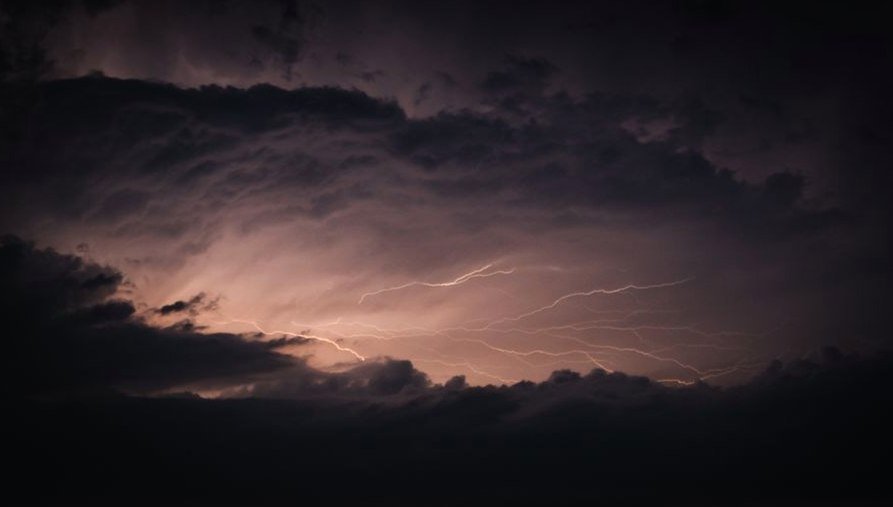
Top Desktop Backgrounds in Nature: Dramatic Lightning Bolts Tearing Across Dark Night Plains in Ultra HD
Finding high-resolution imagery for modern displays requires careful filtering to avoid pixelation and washed-out color grading. Ultra HD resolutions like 3840x2400 demand crisp details, especially when displaying intense high-contrast subjects such as nocturnal storms or sprawling landscapes. Selecting the right visual asset transforms a standard workspace into an immersive digital environment without straining system graphics or slowing down boot times.
Users searching for striking visual themes often explore curated digital collections to upgrade their primary screens. When browsing through online catalogs, visitors can find thousands of specialized options, including the curated selections available at Top Desktop Backgrounds in Nature: Dramatic Lightning Bolts Tearing Across Dark Night Plains in Ultra HD, which categorizes high-definition files by specific environmental motifs and seasonal palettes. These repositories eliminate the guesswork by offering pre-formatted files ready for immediate deployment.
Evaluating Resolution and Aspect Ratio Standards
Display performance depends heavily on matching native monitor dimensions with downloaded graphics. Standard desktop monitors and professional editing screens frequently operate at 3840x2400 pixels, providing a wide canvas for complex photography. Using lower-resolution assets on high-density screens results in visible blurring and jagged edges around fine lines, detracting from the overall visual quality.
High-contrast imagery featuring nighttime storms and sharp atmospheric electrical discharges requires accurate color reproduction. Deep blacks and vibrant electric blues demand adequate bit depths to prevent banding gradients across the horizon. Checking file specifications before downloading prevents compatibility issues and ensures the image renders correctly across multiple display setups.
Categorizing Environmental Themes for Customization
Desktop customization extends beyond simple aesthetic preferences, often influencing daily focus and mood during long working hours. Different environmental motifs offer distinct visual benefits for professional and personal workstations:
- Tropical upward-angle views featuring palm trees against bright summer skies introduce warm, open-air lighting into office environments.
- Macro shots of emerald spruce branches and winter evergreen forests provide dense, calming textures that reduce visual fatigue.
- Autumn maple leaves in close-up macro focus bring rich warm tones, bokeh effects, and seasonal depth to standard work screens.
- Environmental conservation concepts, such as small green seedlings held in hands, highlight ecological awareness and sustainable themes.
Practical Verification Steps Before Setting a New Wallpaper
Before applying a high-definition image to a primary workspace, running a quick verification checklist ensures optimal performance and visual fidelity.
- Confirm that the file resolution matches or exceeds the native pixel grid of the target display monitor.
- Inspect dark gradient areas at maximum brightness to check for compression artifacts or color banding.
- Save the original archive file in a dedicated local directory for easy restoration if display settings reset unexpectedly.
- Test how desktop icon placement interacts with high-contrast focal points in the background composition.
- Reference: https://wallpapers4screen.com/
Write a comment