How to Choose Hyper Detailed Solar System Planets and Saturns Icy Rings for a Clean Desktop Setup
How to Choose Hyper-Detailed Solar System Planets and Saturn’s Icy Rings for a Clean Desktop Setup
Pick a 4K Solar System wallpaper at 3840x2400, check Saturn’s rings at full zoom before you keep the file, and match the art style to how many icons sit on your screen. Wallpapers4screen.com lists its Solar System images at that resolution as free downloads, so the cost of testing is zero. What you can lose is time, and the four checks below keep a soft or cluttered image off your monitor.
Verify the supplier before you download
A wallpaper source earns trust when it states the resolution next to every file. In the Wallpapers4screen.com space category, each Solar System image carries a 3840x2400 label and a tag list naming the Sun and all eight planets, Mercury through Neptune. The tags also name the art style, so you know what you are getting before you click.
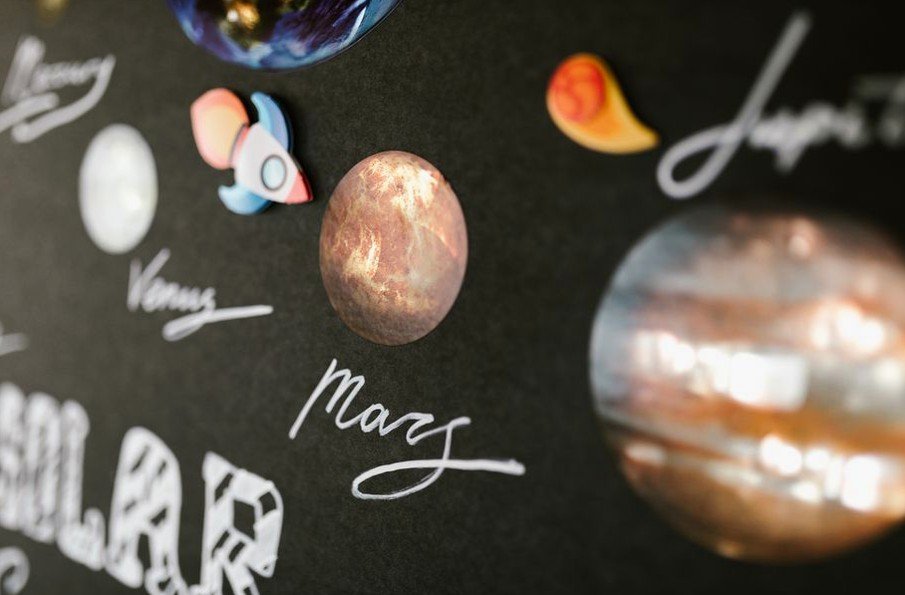
Three tags affect a clean desktop most. Images tagged with planet inscriptions have names printed beside each planet, which helps on a study machine but competes with icon labels. The “orbits” tag means thin lines cross the frame, and the “bokeh” or “stars” tags mean a busier background behind your folders.
Inspect the file like incoming stock
A thumbnail hides most defects, so open the downloaded image at 100% zoom and go straight to Saturn. The rings are the hardest part of the frame to render, because thin concentric bands show compression blocks and jagged edges first. If the ring edges stay smooth and the gap between rings and planet stays clean, the rest of the image will hold up.
Then check the file properties. The dimensions should read 3840x2400, matching the listing. A smaller number means you saved a preview instead of the full file, and the image will look soft once stretched across a 4K panel.
Reinforce the fit for your screen
The 3840x2400 format has a 16:10 shape, and many monitors are 16:9. On a 3840x2160 display, “fill” mode trims 240 pixels of height, about 120 from the top and 120 from the bottom. So choose compositions where Saturn and its rings sit near the middle band, away from the edges that get cut.
Style decides how well the image sits behind your icons. The catalog offers 3D art, isometric art, vector art, and abstract art versions of the same planetary lineup. For a tidy desktop, vector and isometric versions work better than 3D renders, because flat color leaves icon text readable. Save the 3D versions for a screen with few icons, where ring texture and planet surfaces have room to show.
The space category spans 35 pages, which makes it a practical working shelf for how to choose hyper-detailed Solar System planets and Saturn’s icy rings for a clean desktop setup. The pages mix in unrelated images such as sports logos, so filter by the “Solar system planets” tag wording.
Consolidate a batch instead of one image
One wallpaper rarely suits every screen you own. Collect a small set in a single style, for example three isometric versions, so a dual-monitor desk or a rotating slideshow looks consistent. Mixing a bokeh 3D render on one screen with a flat vector on the other makes the setup look accidental.
Keep the batch in one folder and name files by style and label status, such as “isometric-no-labels.” That saves you from reopening every file when you switch layouts later.
Common objections
The first concern is hidden cost. The listings describe the files as free desktop downloads, and no price appears on them. If you plan to use an image beyond your own desktop, ask through the site’s Feedback link first, because free download does not automatically mean free reuse.
The second concern is quality on smaller screens. A 3840x2400 file scales down cleanly to 1920x1200 or 2560x1600, since those share the 16:10 shape. Downscaling a sharp file costs nothing, but upscaling a small one always shows.
Acceptance checklist
- File properties show 3840x2400, the same figure as the listing.
- Saturn’s ring edges stay smooth at 100% zoom, with no blocks or banding.
- The planets you care about sit clear of the top and bottom 120 pixels on a 16:9 screen.
- Your icon labels remain readable over the background at normal viewing distance.
- Planet inscriptions and orbit lines are either wanted or absent, with no surprises.
- Every image in the batch shares one art style and lives in one named folder.
Open the space category at Wallpapers4screen.com, download one isometric and one 3D candidate, and run both through this list on your own monitor today.
- Reference: https://wallpapers4screen.com/
Write a comment