Start here: the Amethyst manual
- How to read an entry
- The twelve posts
- Ten things to try right now
- Deeper dives
- Found something wrong?
Amethyst does far more than its screens let on. Most of it is one gesture, one
drawer row, or one ⋮ menu away, and nobody has ever written it all down in one
place. This is that place: a reference manual for the Android app, in twelve
posts, each on one theme, each readable on its own. It is written for people
who already use Amethyst and suspect it can do more than they know — which is
everyone.
Every entry tells you where to tap, what happens, and the one thing to know
before you rely on it. It is a guide, not a changelog and not a review.
How to read an entry
Three conventions, stated once here so the posts don’t repeat them:
- Bold is a literal label you will see on screen. A path like Drawer →
Relays → Proxy Relays means open the side drawer, then Relays, then that
section. - Play and F-Droid are the two builds of the app. Where a feature exists
in only one, or behaves differently, the entry says so inline. If it says
nothing, both builds are the same. - “since v1.17.0” marks something new in the current release. Everything
else has been there a while — you just didn’t know.
The twelve posts
- Your phone can do more than you think — gestures. Double-taps,
long-presses and swipes that are the fastest route to things, starting with
the zap bolt’s three gestures.Amethyst Manual - Chapter 1 Gestures
You have been using #amethyst for months. You know where the buttons are. You tap them, they do things, and that already gets you a long way.
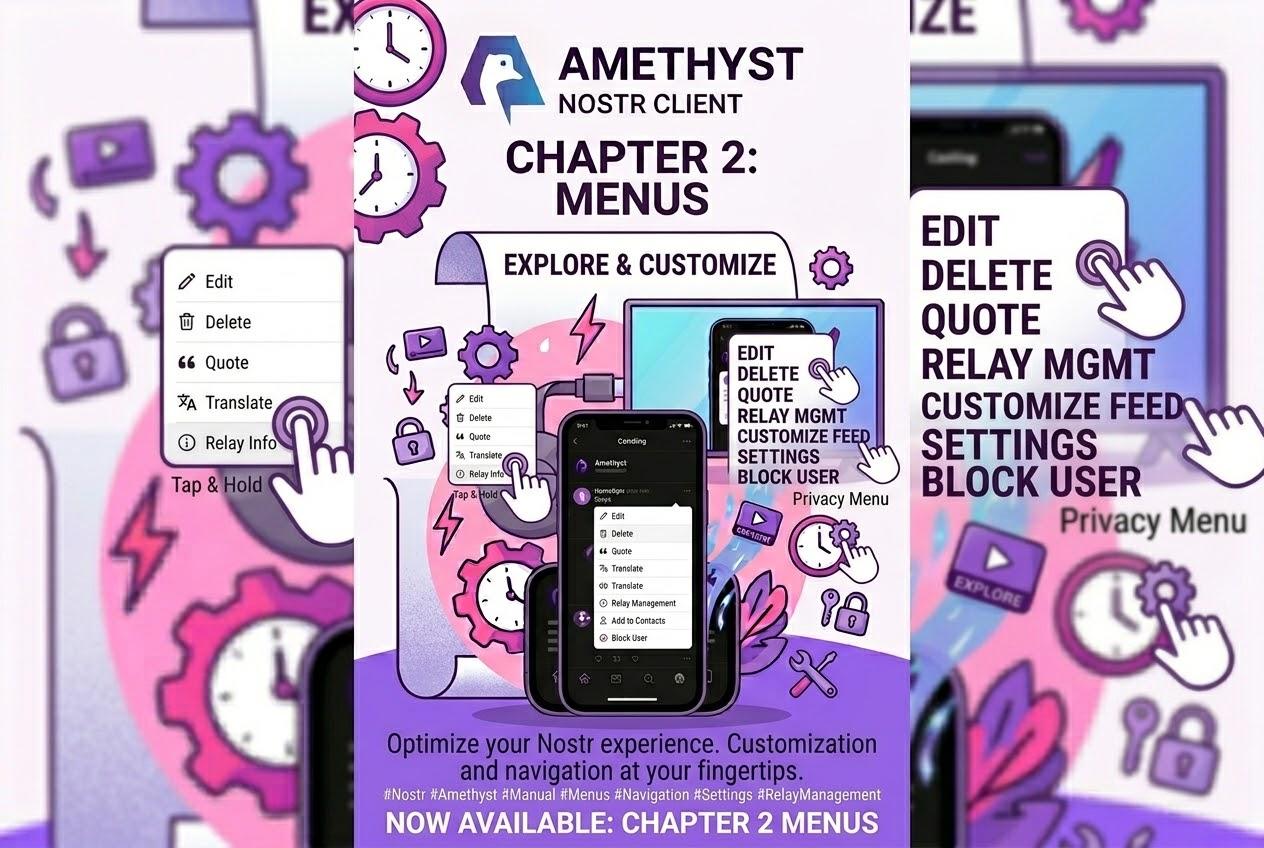
- 220 things behind three dots — the ⋮ menu. Copy raw JSON, Add Media to
Gallery, Fork, Timestamp it, and what the two Share menus do.
Amethyst Manual - Chapter 2: Menus
220 things behind three dots Fifty-seven menus. Two hundred and twenty live items. At any one time you open a note's ⋮ you see around nine of them; the rest are waiting for the right note.
- Your photos, at the size you choose — media. The upload quality slider,
what each stop does, HLS uploads, Blossom storage, the player buttons,
captions, casting. [link pending] - The post you wrote and the post that shipped — composing. The scrolling
action row, anonymous posts, zap splits, proof of work, drafts, voice notes.
[link pending] - Zaps have more buttons than you think — money. Presets, the Wallet tab,
ecash, on-chain, BOLT12, every payment method a profile can carry. [link
pending] - Amethyst has a query language — feeds, search and discovery. The search
tokens, filters, the drawer’s sixty feeds, pinning any room to the bottom
bar. [link pending] - What’s private, and how to keep it that way — privacy and safety. What
is encrypted and what isn’t, Tor switch by switch, mute and block, your key
on this phone. [link pending] - Where your posts actually go — relays and the outbox. The relay lists,
the Proxy Relays off-switch, what fan-out costs, backups that another app
changed. [link pending] - There are several apps inside your app — the far corners. Calls, audio
rooms, mini-apps, git, fitness, the QR scanner, and more. [link pending] - Four ways to talk in private — group chat. Cordn, Concord, Marmot and
Buzz: who carries the messages, and how to move a group to a new phone.
[link pending] - A browser that waits for Tor — the in-app browser. The omnibox, search
engines, per-site permissions, downloads, the Tor rules. [link pending] - Hide something, sign it, let strangers find it — geocaching. The hub,
finding and logging caches, QR-verified finds. [link pending]
The early posts have the most surprise per word and need no setup; the later
ones go deeper. Read them in any order.
Ten things to try right now
One from most posts, chosen because each takes under a minute and changes how
you use the app:
- Double-tap the zap bolt on any note. You get the custom-amount dialog —
any amount, plus a message — without going through the presets. (Post one.) - Note ⋮ → Copy raw JSON. The whole event, pretty-printed, on your
clipboard. The quickest answer to “what does this note actually contain?”
(Post two.) - Slide the upload quality to Uncompressed before you attach a photo. The
default, Medium, halves the width and height and re-encodes as JPEG;
Uncompressed keeps your original resolution and format. (Post three.) - Tap your own avatar in the composer. It becomes a “no accounts” glyph
and the post publishes from a throwaway key. (Post four.) - Type
from:in search and pick a person: the rest of your query now
searches only their notes.kind:,to:and date windows work the same
way. (Post six.) - Drawer → Relays → Proxy Relays. Put one relay there and Amethyst stops
fanning out to everyone’s relays and asks that one for everything — the
single biggest lever on battery and data. (Post eight.) - Long-press the Amethyst icon on your launcher for a Scan QR shortcut
straight into the camera. Share an image to Amethyst and pick Scan QR
code to decode a code in a picture. (Post nine.) - Settings → Cordn → Move to a new phone. A handoff code moves every
Cordn group, with history, to another device; the keys never travel in the
code. (Post ten.) - Add to Home from the browser’s pill. The page becomes a launcher
shortcut that opens inside Amethyst and waits for Tor if the page needs it.
(Post eleven.) - Backup Keys → Tap to reveal. Your nsec as a numbered paper grid,
behind your device credential, re-masked the moment the app goes to the
background. (Post seven.)
Deeper dives
Two single-feature guides go further than a manual entry can:
- Cast videos to your TV — Chromecast from the Play build, and why the
phone is not the projector. [link pending] - Schedule posts for later — your phone publishes the post, not a server,
and what that means for setup. [link pending]
Found something wrong?
Reply to the post you found it in. The manual is checked against the app’s
code, release by release, and corrections go into the next revision — this
index carries the version it currently describes at the top.
Write a comment